Wi-Fi, no router fuss
Devices on the same Wi-Fi find each other. Pair once with a 6-digit code, then send, receive and browse.
Free · Mac · Windows · Linux · Android
ZeroMDroid moves files between your phone and your computer over Wi-Fi, USB or a QR code, and lets your devices draw together on shared whiteboards. No account. No cloud. Nothing leaves your network.
Everything between your devices
Wi-Fi, a cable, a QR code or a pendrive: pick what is at hand. It looks and works the same on your computer and your phone.
Devices on the same Wi-Fi find each other. Pair once with a 6-digit code, then send, receive and browse.
Plug in a cable and browse the phone. Nothing to install on the phone.
Mount an Android phone in Finder like a USB stick and drag files in and out.
Any phone with a browser: scan, approve, send. iPhone included. No app needed.
Endless boards that every paired device draws on at the same time, live.
Shoot on the phone and the photo lands on your computer, not in the phone’s memory.
Open another device’s folders, drag and drop, open files with any app.
USB drives and SD cards show up next to your folders, and when macOS asks for access, we tell you what to allow.
See it in action
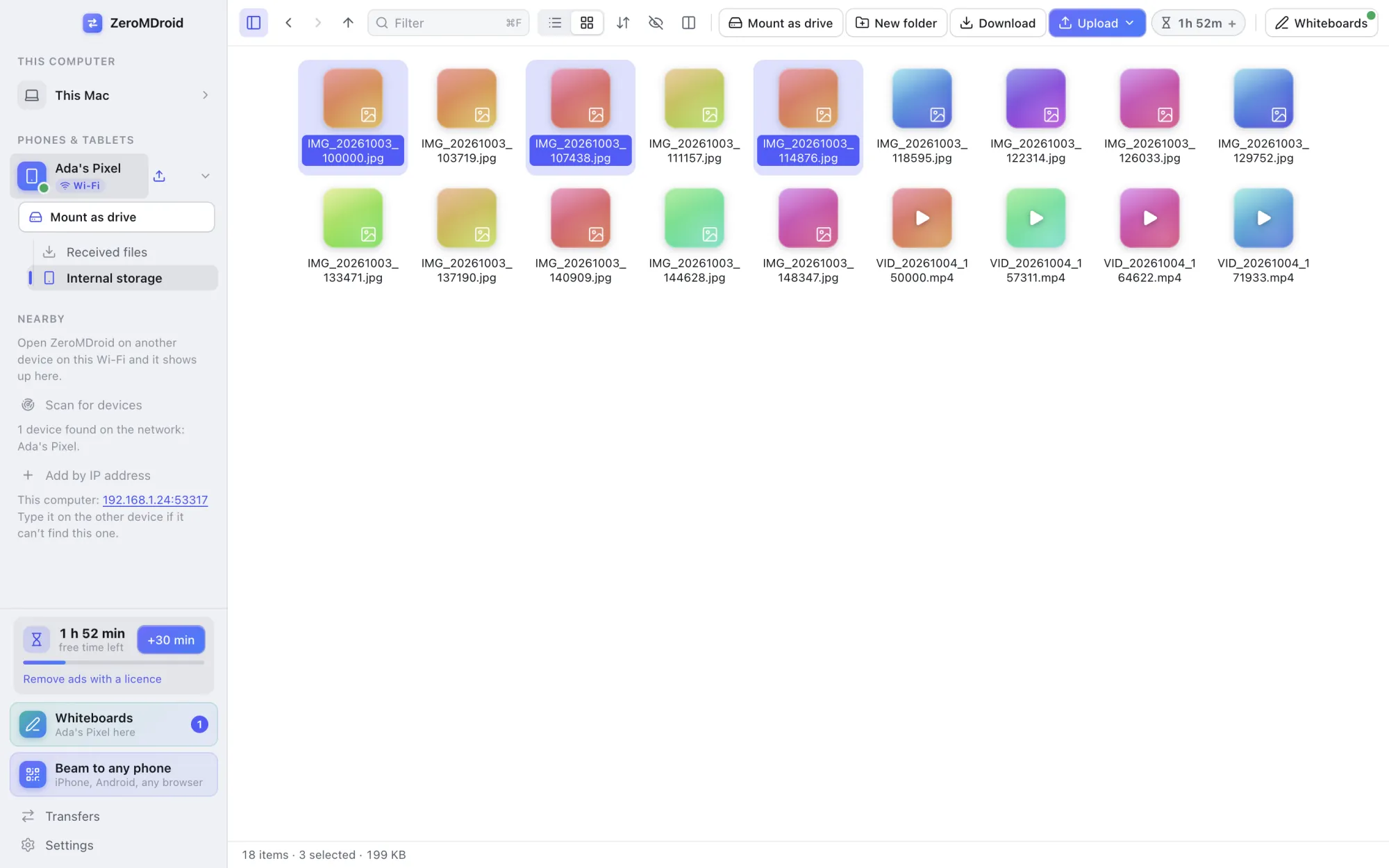
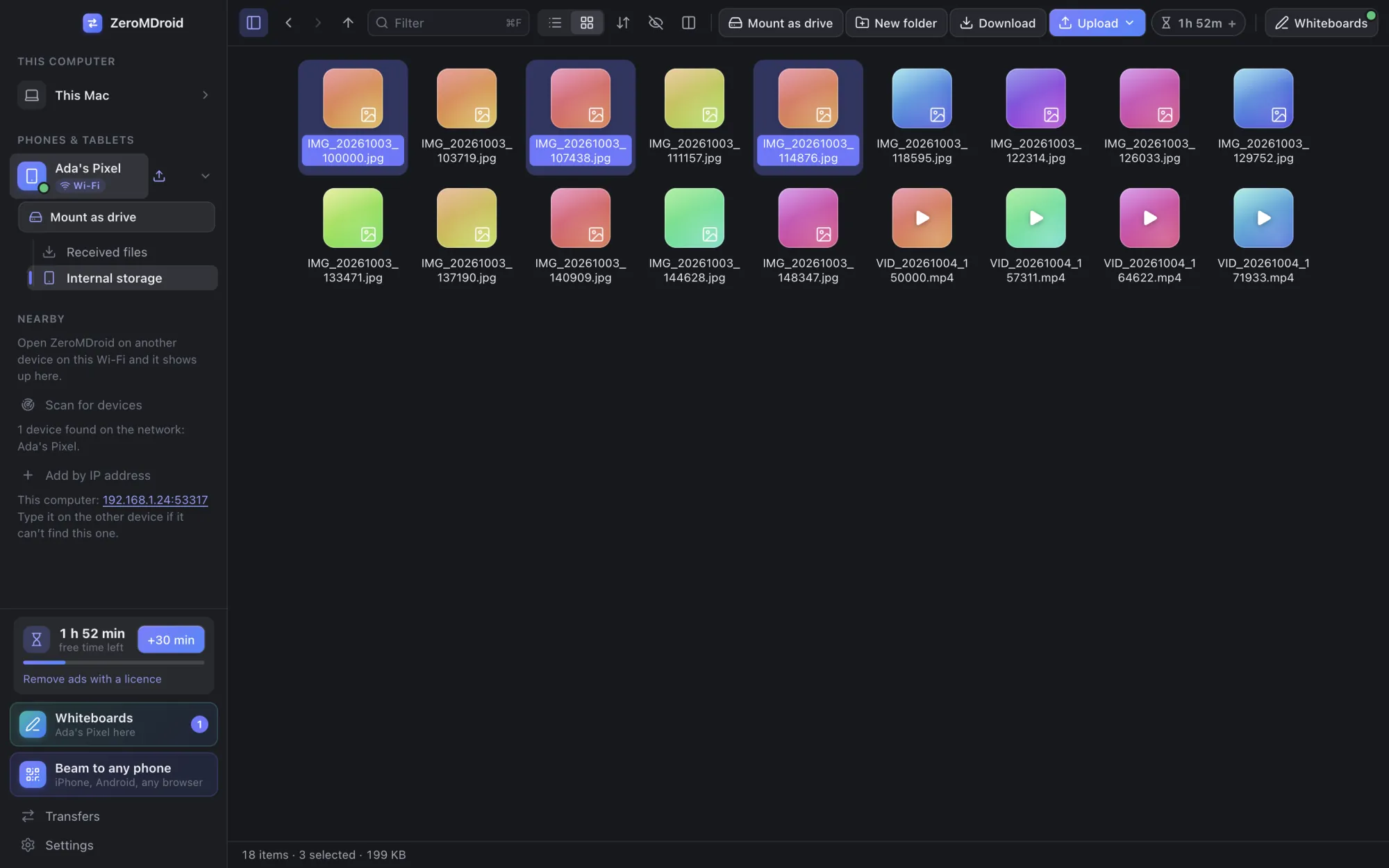
Your phone’s storage appears next to your computer’s folders. Drag files across, or pick them and press send. Hidden files, grid or list, sorting, a filter, and a second pane to move things between two devices.
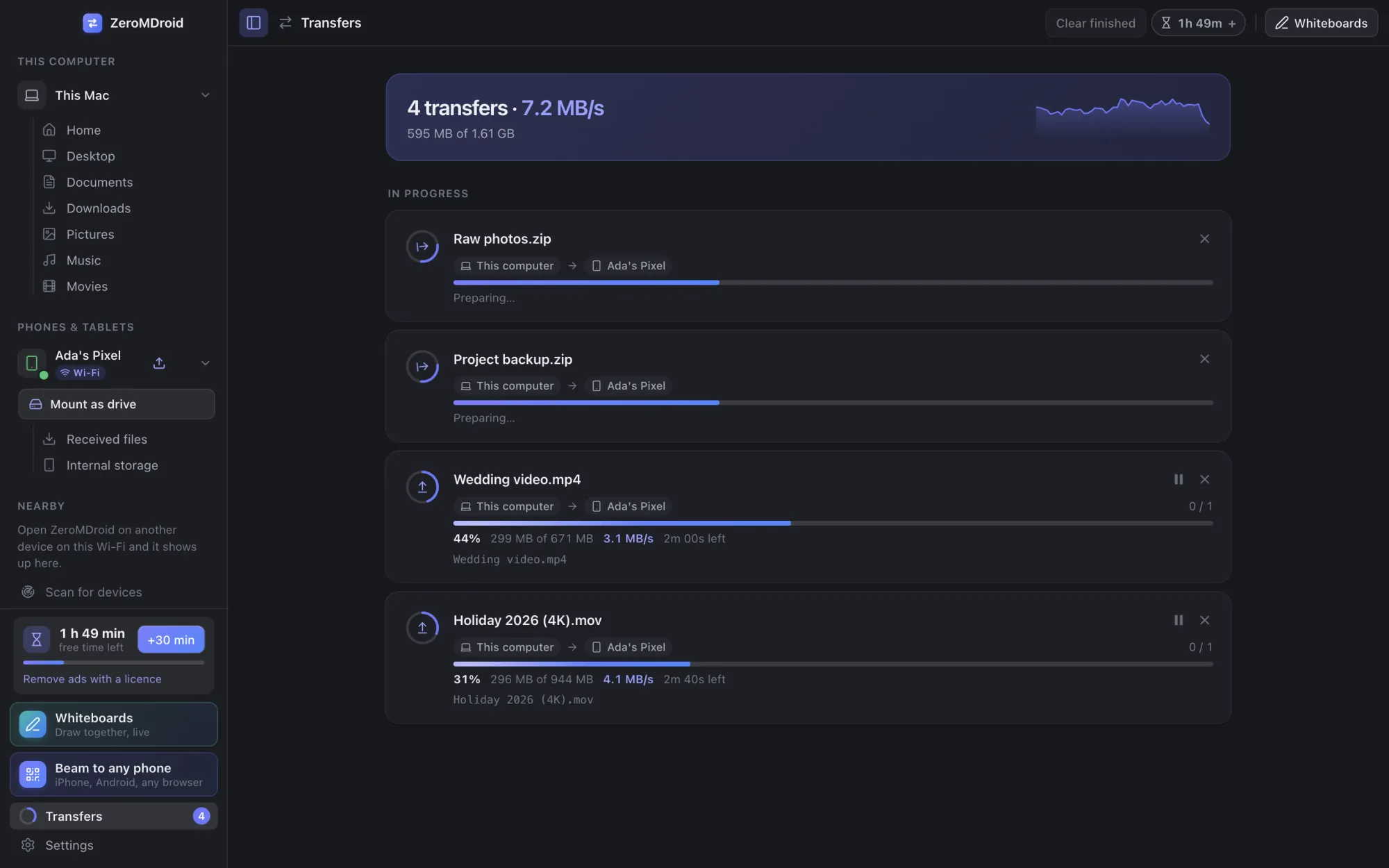
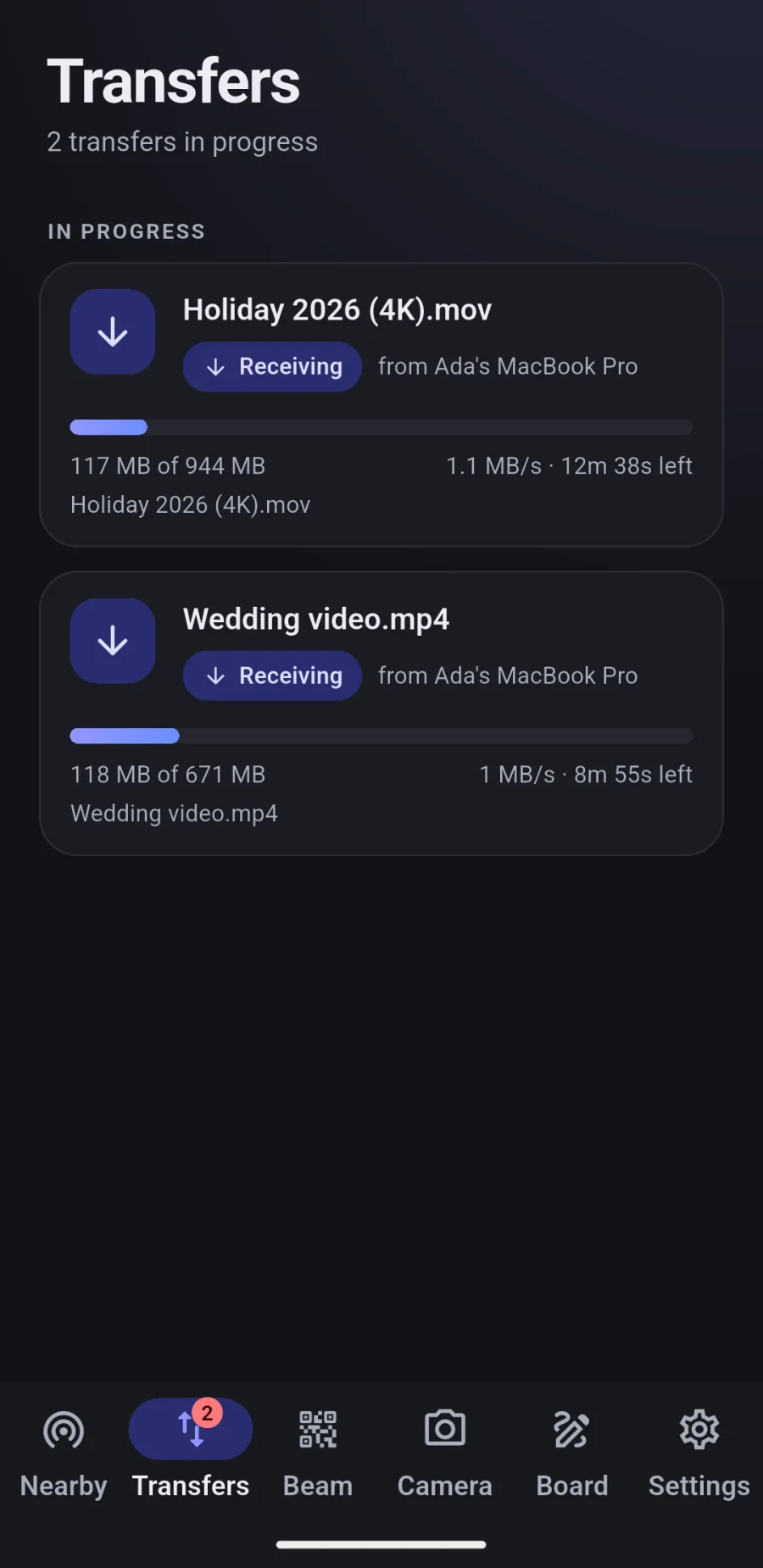
More about browsingTransfers run in the background with live speed and time left. Pause, resume or cancel. Files are written safely, so a transfer that fails or is cancelled never leaves a half-finished file in your folder.
More about transfers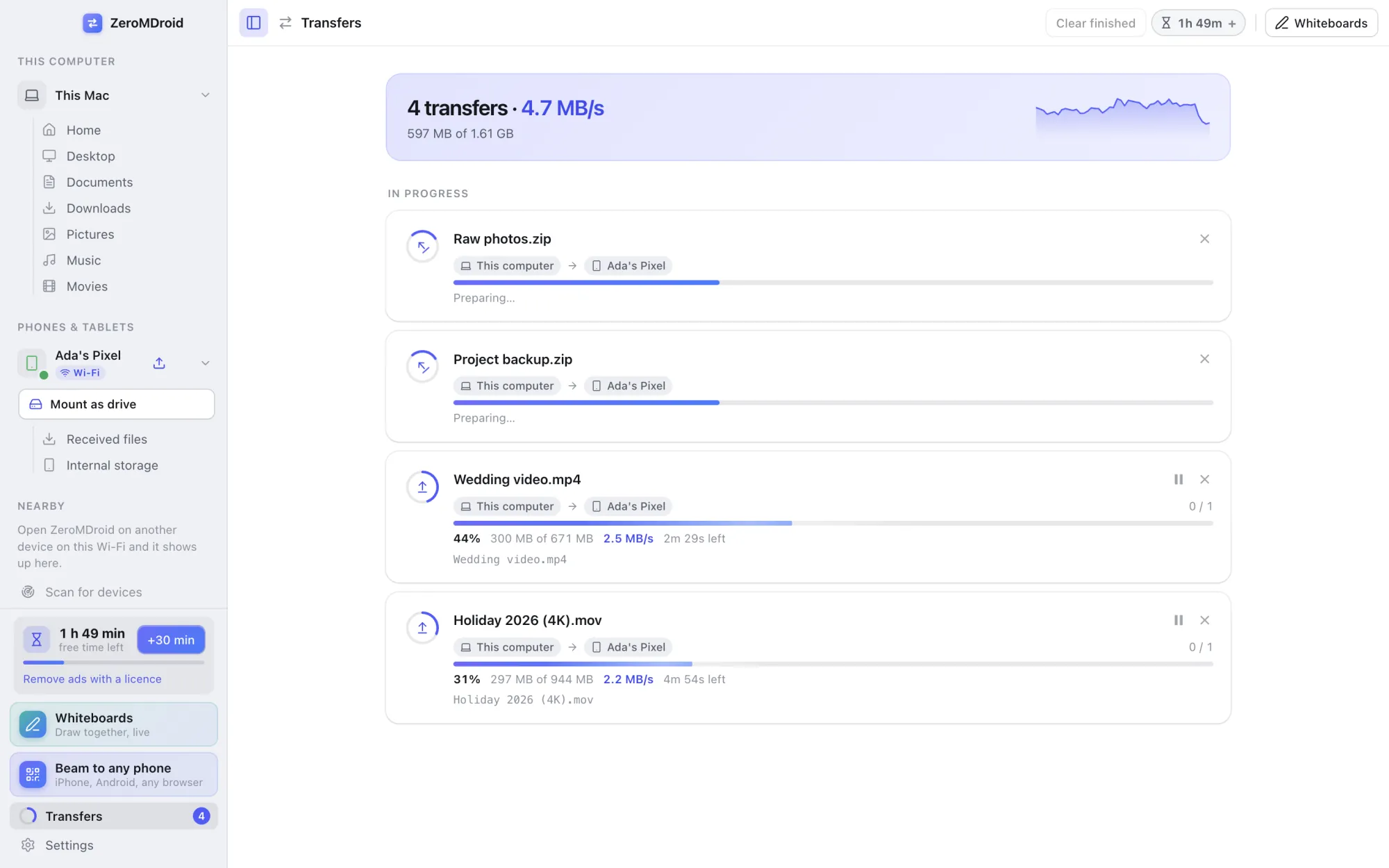
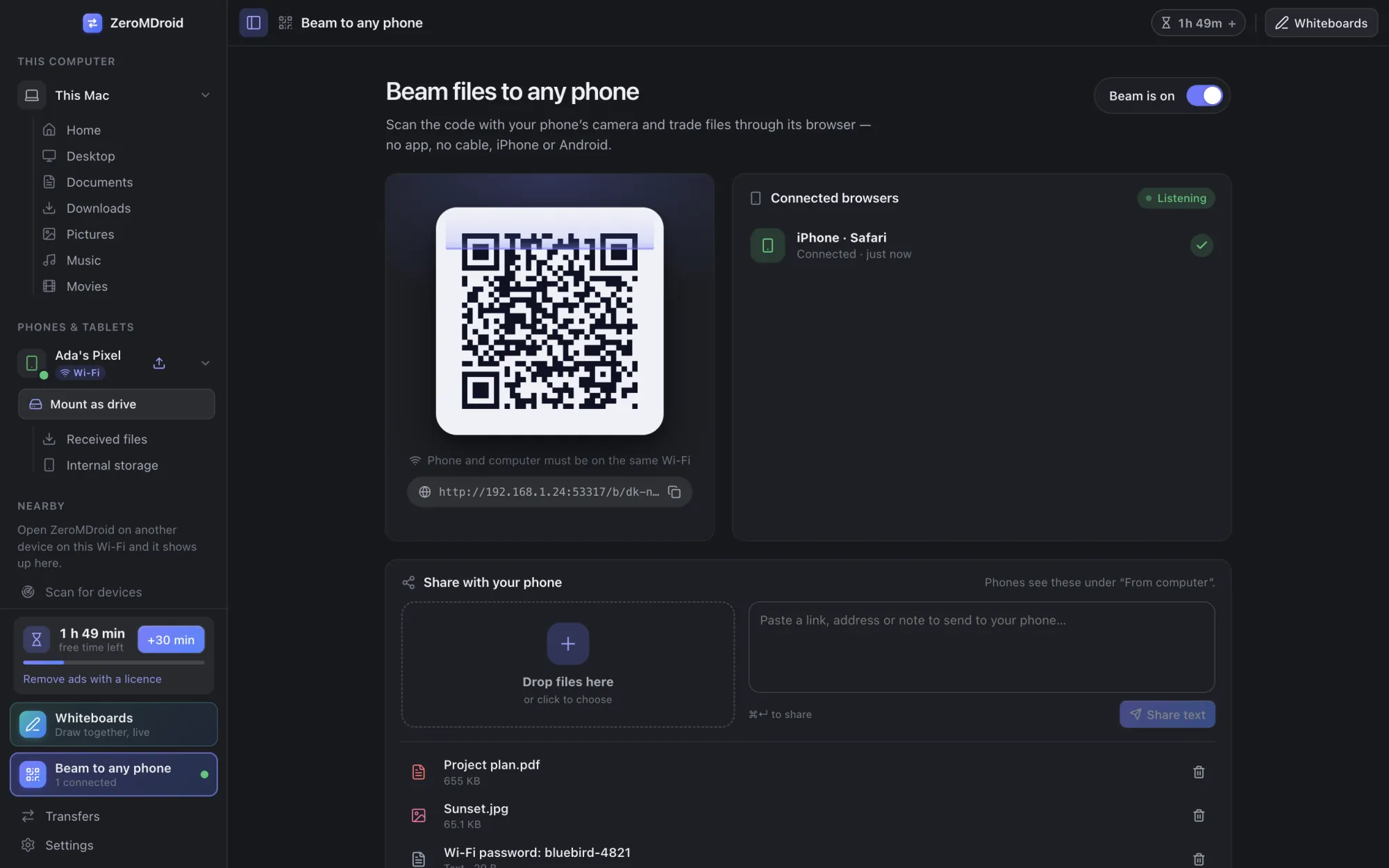
Show a QR code, scan it with any phone, approve it on your screen, and send files in both directions through the phone’s browser. Works with iPhone, Android and anything with a browser.
More about Beam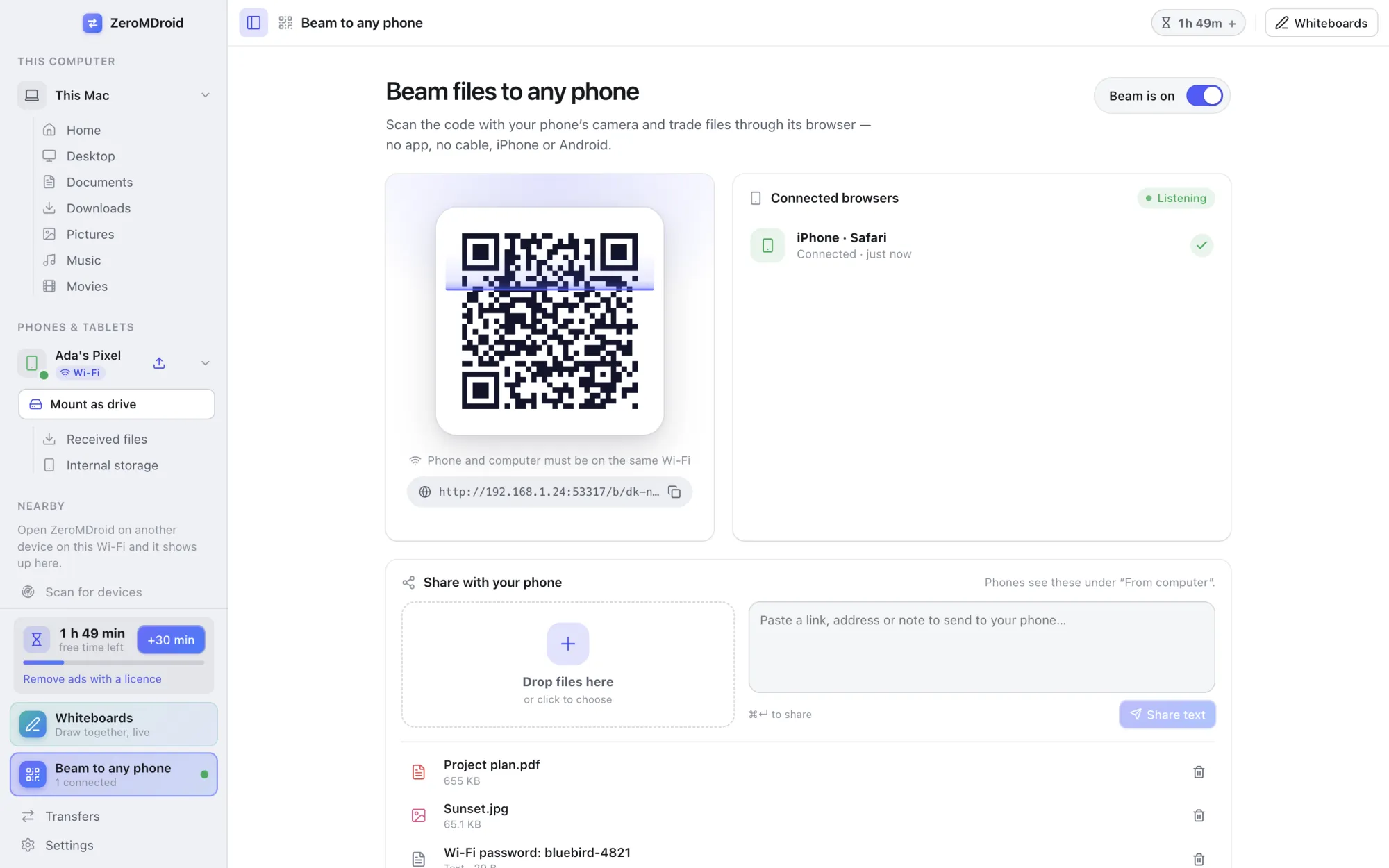
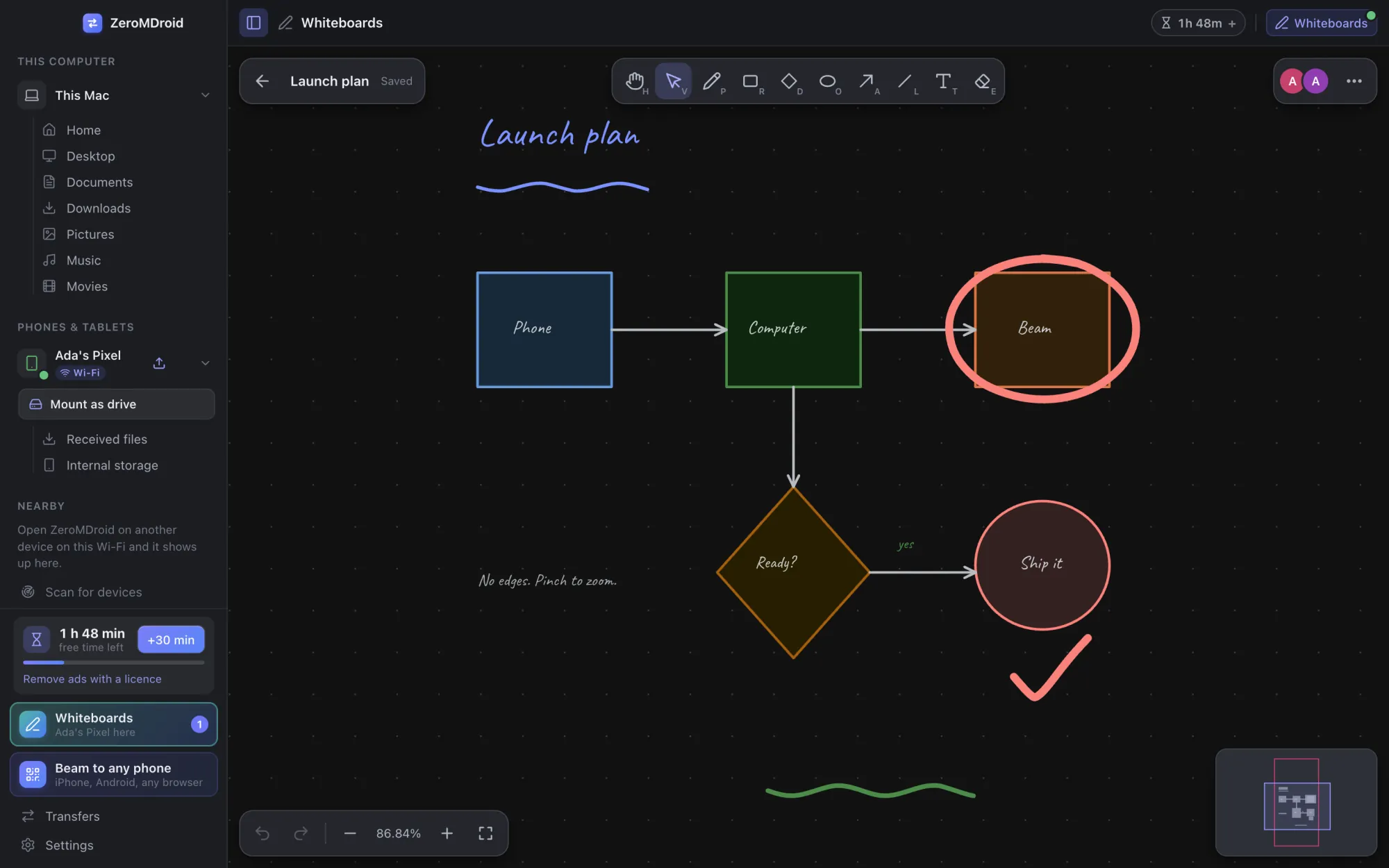
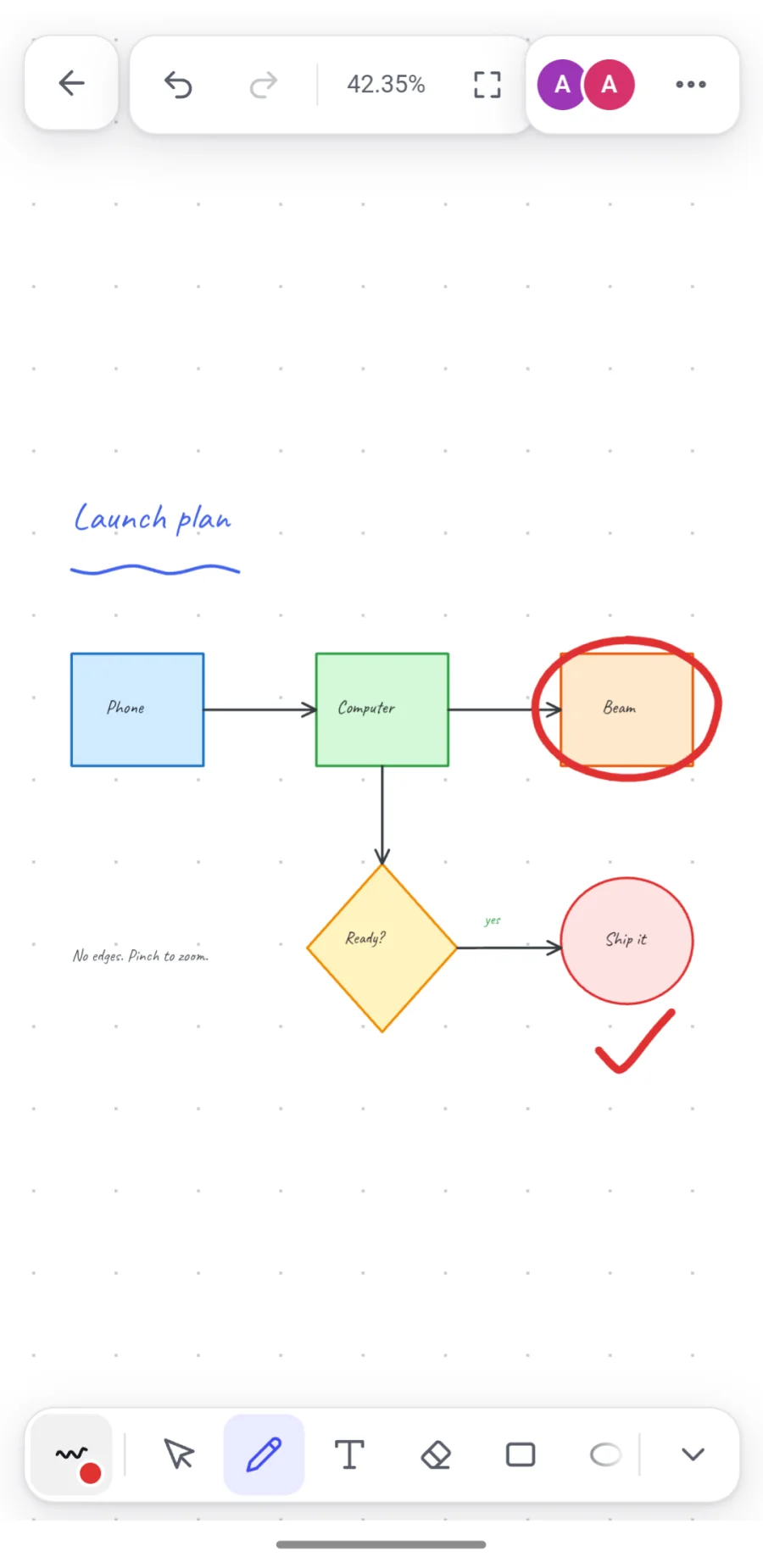
Endless whiteboards kept on every device. Open one on your computer and your phone and see each other’s pen as it moves. Follow someone’s view, connect shapes with lines that stay attached, export a picture.
More about whiteboards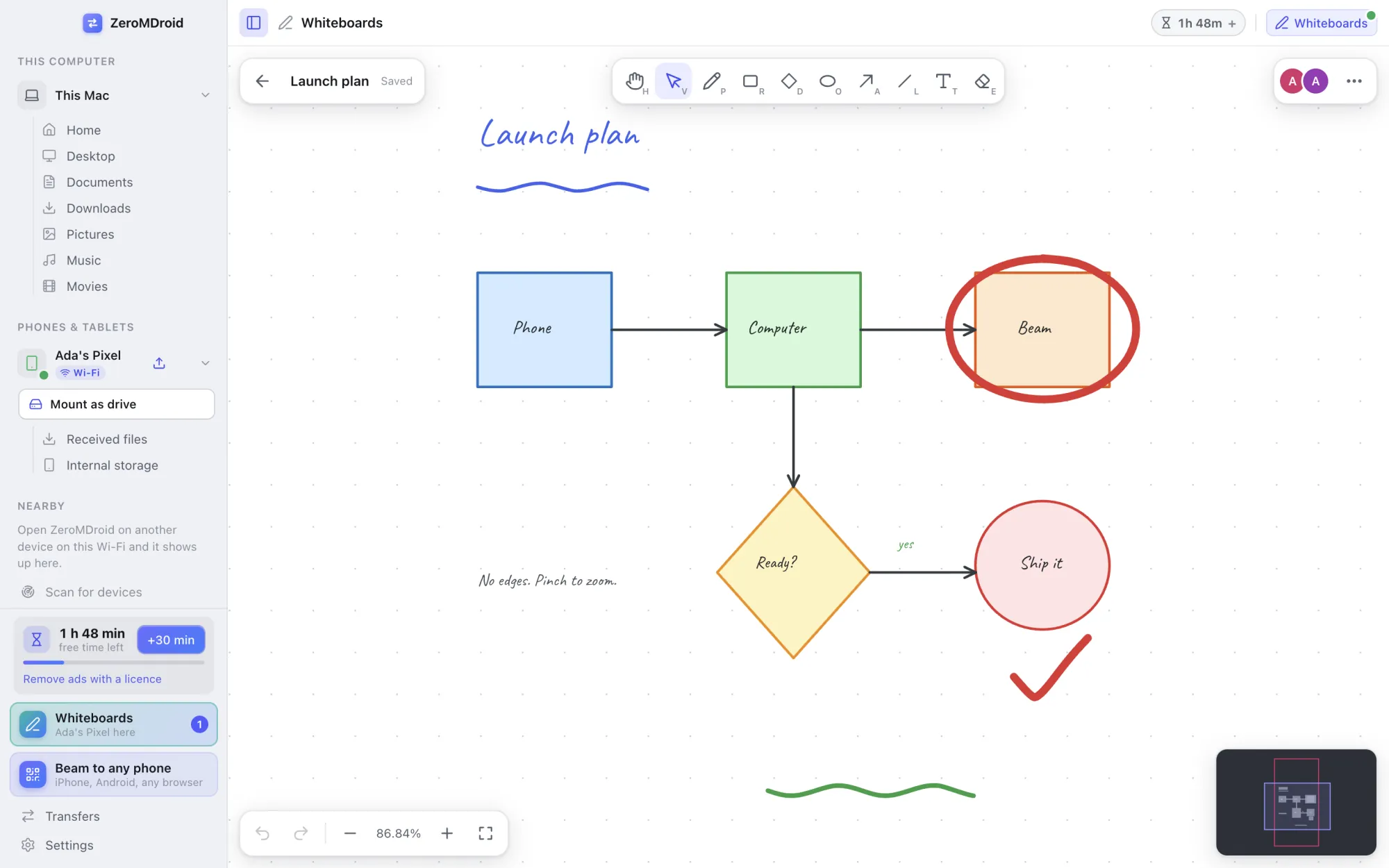
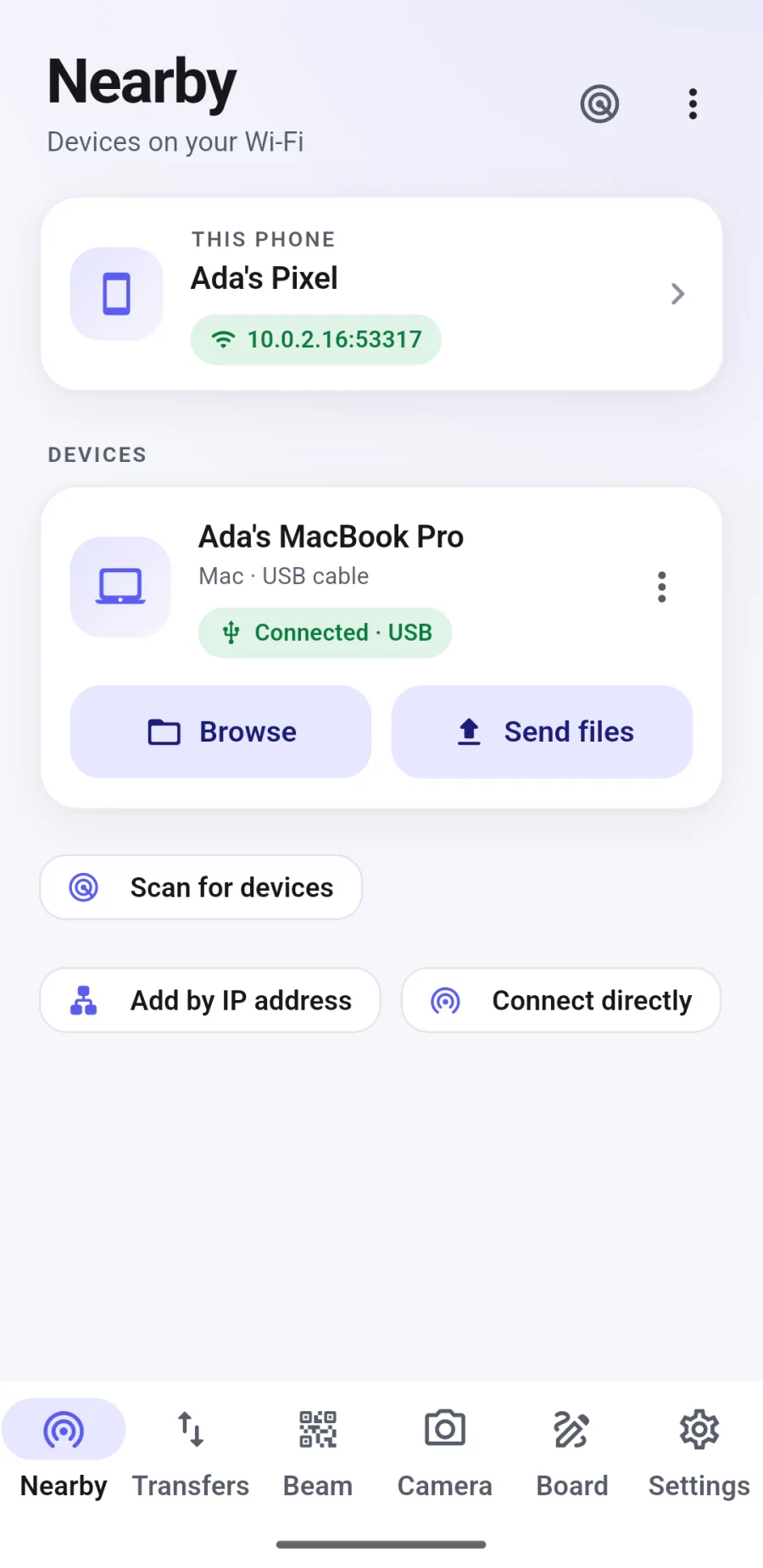
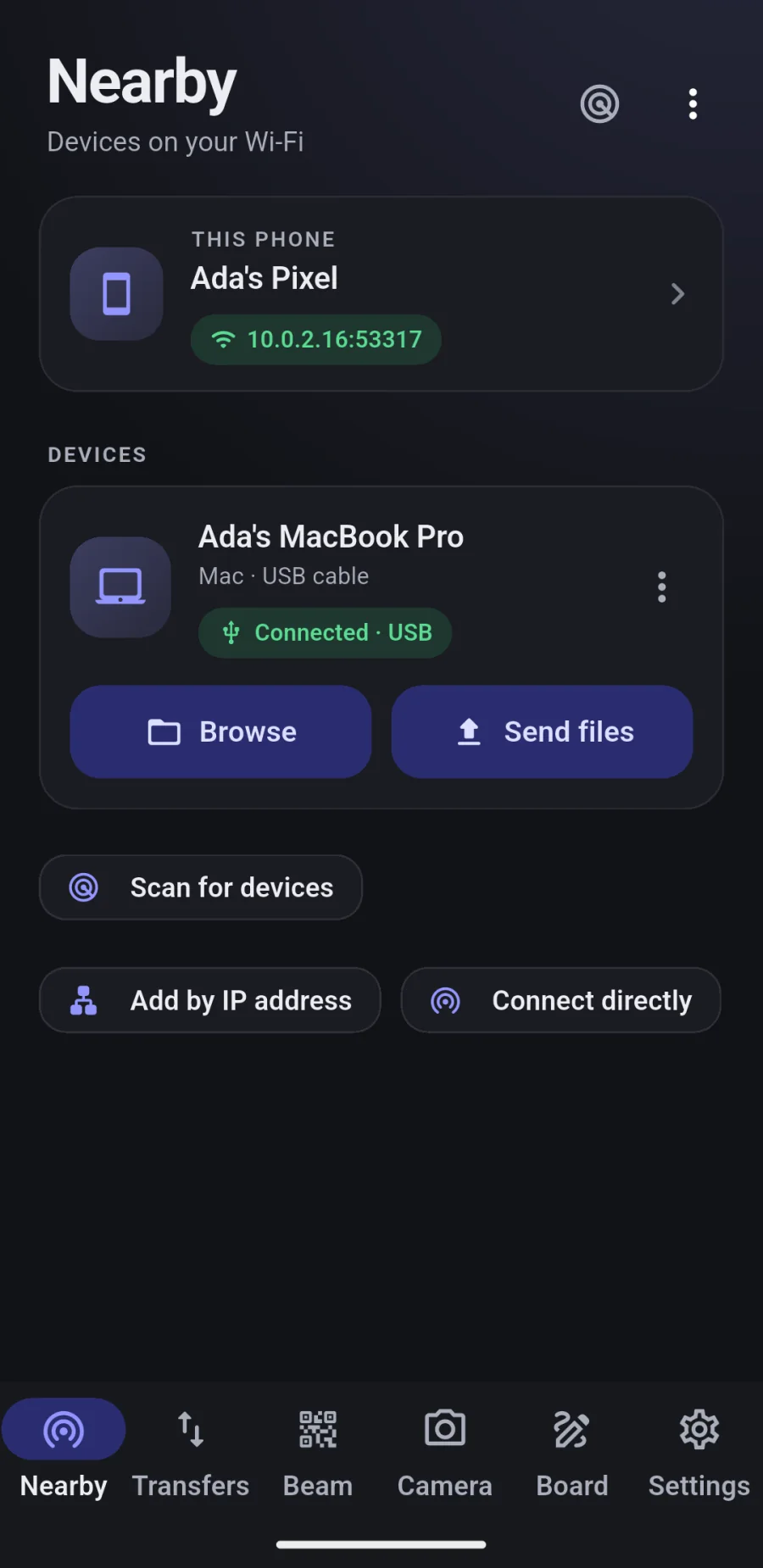
The same app on Android: nearby devices, transfers, Beam, the camera that saves to your computer, and the whiteboards. Receiving keeps working with the screen off.
The phone app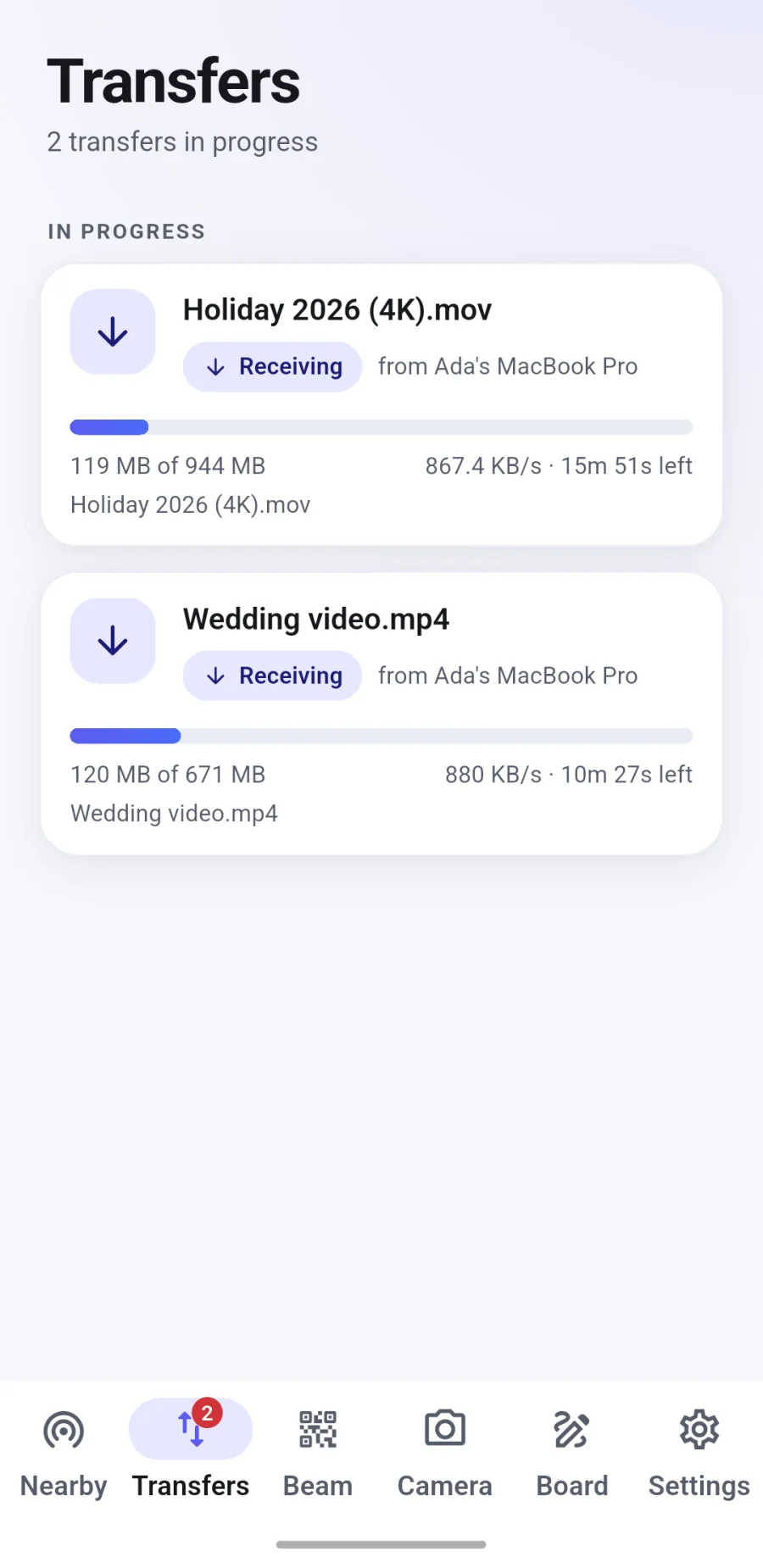
In motion
Short clips of the real apps on a computer and a phone, recorded as they are. Nothing is mocked up.
Four large files go from the computer to the phone at once. Both screens show the speed and the time left, live. Pause, resume or cancel any of them.
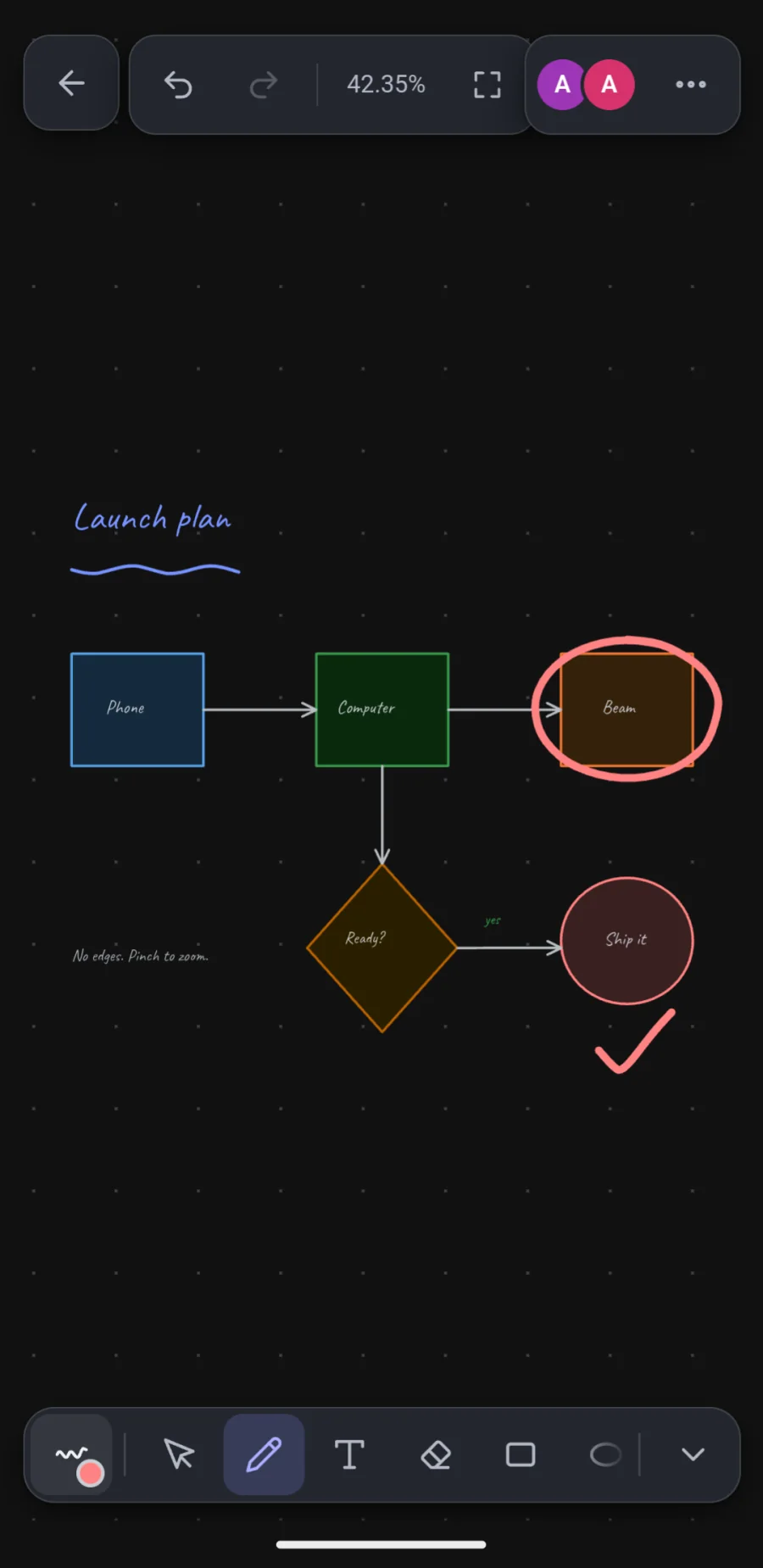
The phone circles a box and ticks a step; the computer answers with a line. Each device sees the other’s pen as it moves.
How it works
Get ZeroMDroid for your computer and your phone. For an Android phone on a USB cable you do not even need the phone app.
Both screens show the same 6-digit code. Tap Accept on the other device. From then on they find and trust each other.
Drop files on a device, open its folders, beam to a browser, or start a whiteboard. That is all there is to it.
Runs where you do
One download for each. iPhone works today through Beam; a ZeroMDroid app for iPhone is built but is not available to download yet.
Private by design
Where the law asks (for example in Europe) the app asks for your choice first and you can change it any time in Settings. On computers there is no ad network at all.
Free, or Pro
With ads
No ads, no time limit
Questions
Yes. ZeroMDroid starts with free time, you earn more by watching a short ad, and a Pro licence removes the ads and the time limit for good. There is nothing to sign up for.
No. Files go straight from one device to the other over your own Wi-Fi or a USB cable. There is no account and no upload. The apps do not collect data about you or your files.
For Wi-Fi transfers, ZeroMDroid on both devices (pair once with a 6-digit code). For an Android phone on a USB cable, nothing on the phone. For Beam, any phone with a browser: scan the QR code, no app at all.
Beam works with any iPhone today: scan the QR code and send or receive in Safari. A ZeroMDroid app for iPhone is built but not available for download yet.
Free time counts only while you are using ZeroMDroid (a transfer running, a phone being browsed, the whiteboards or camera open). When it runs low you can watch a short ad for more, one after another if you like, or get a Pro licence.
No ads and no time limit, on every device the licence covers. A licence is monthly, yearly or for good, for as many devices as you agree with us. You ask by e-mail from the app or this website and we talk about what you need.
Yes. Enter the key on the new device and choose which old device it replaces. You can also free a device yourself on the licence page.
Paired devices talk over encrypted HTTPS and only to devices you approved with a 6-digit code. Beam uses a secret link and your approval for every browser. On a shared or guest network, use USB.
Something else? admin@fabrixly.com