Features
Every way your files can travel
Pick whatever is at hand: Wi-Fi, a cable, a QR code, a pendrive. Each one is simple, fast and stays between your own devices.
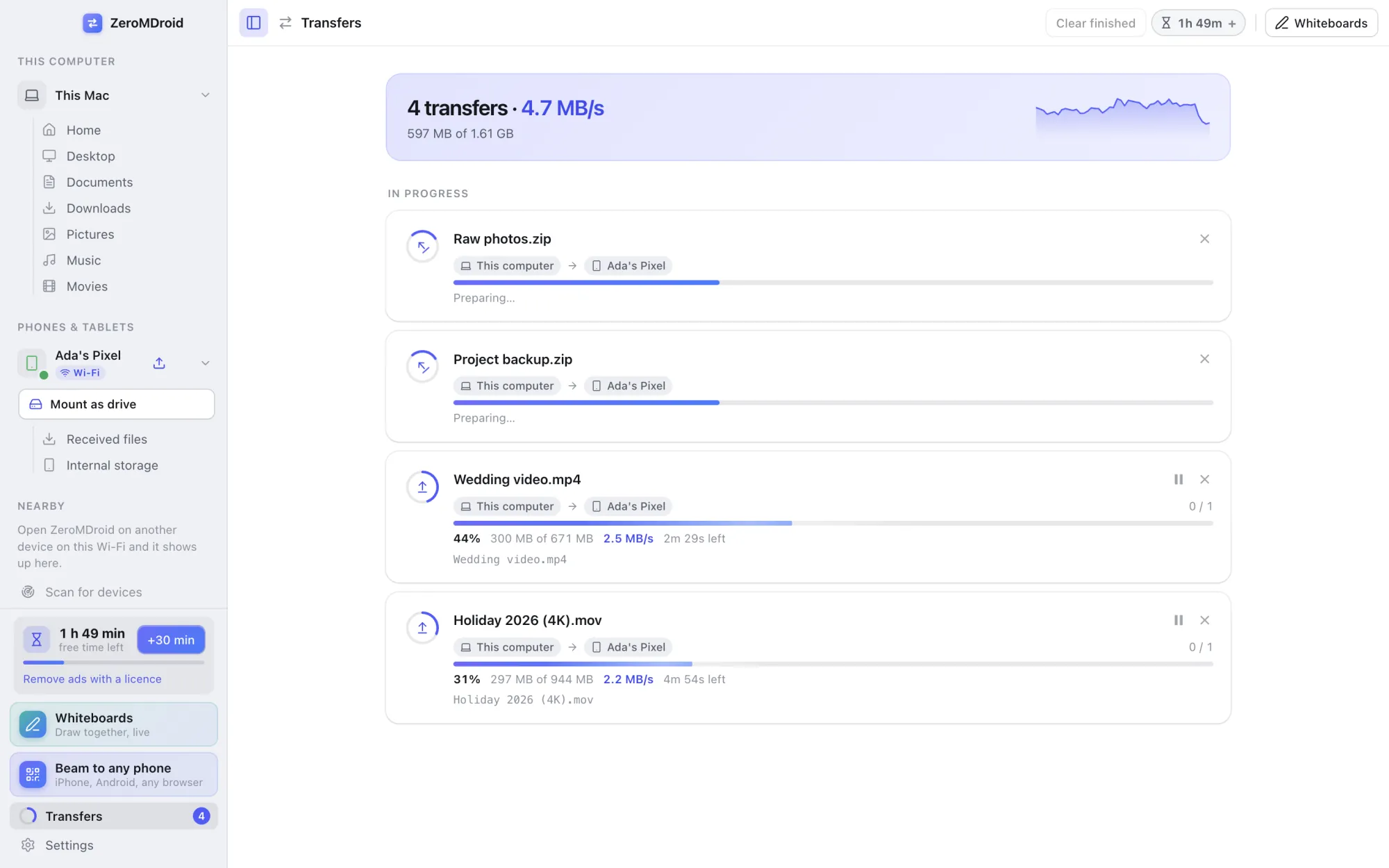
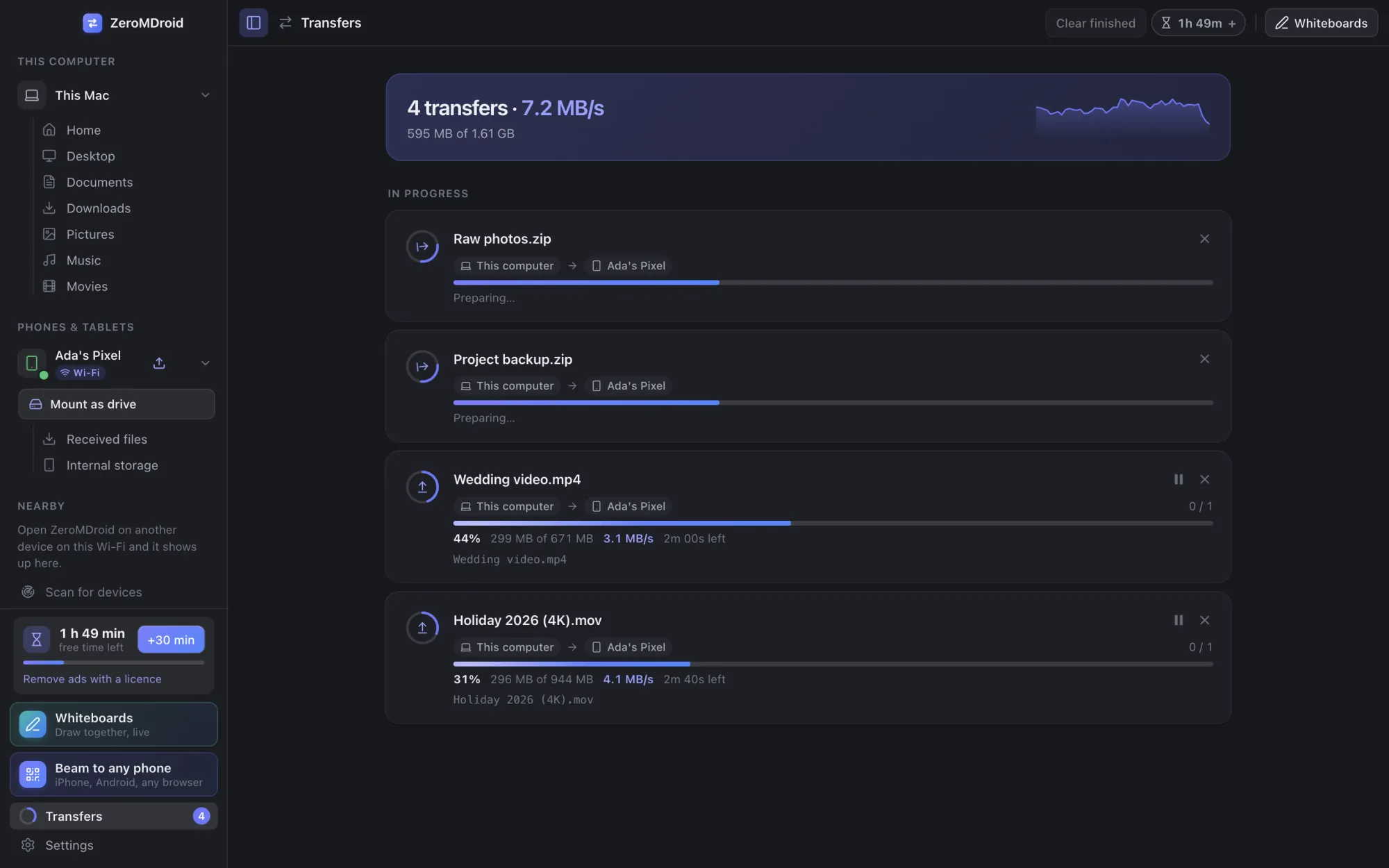
Wi-Fi transfers between any two devices
Phone to computer, computer to computer, phone to phone. Devices on the same Wi-Fi find each other by themselves.
- Pair once: both screens show the same 6-digit code, you accept it, and the two devices trust each other from then on.
- Encrypted HTTPS with each device’s own certificate, pinned when you pair, so nobody in the middle can pose as your phone.
- Files of any size are streamed, not loaded into memory. Files are written safely: a transfer that fails or is cancelled never leaves a half-finished file in your folder.
- A transfer list with speed, time left, pause, resume and cancel. Folders keep their structure.
- Where Wi-Fi discovery is blocked, type the other device’s address instead, or scan the network. Two Android phones with no router at all can connect with Wi-Fi Direct.
USB cable for Android, with nothing to install on the phone
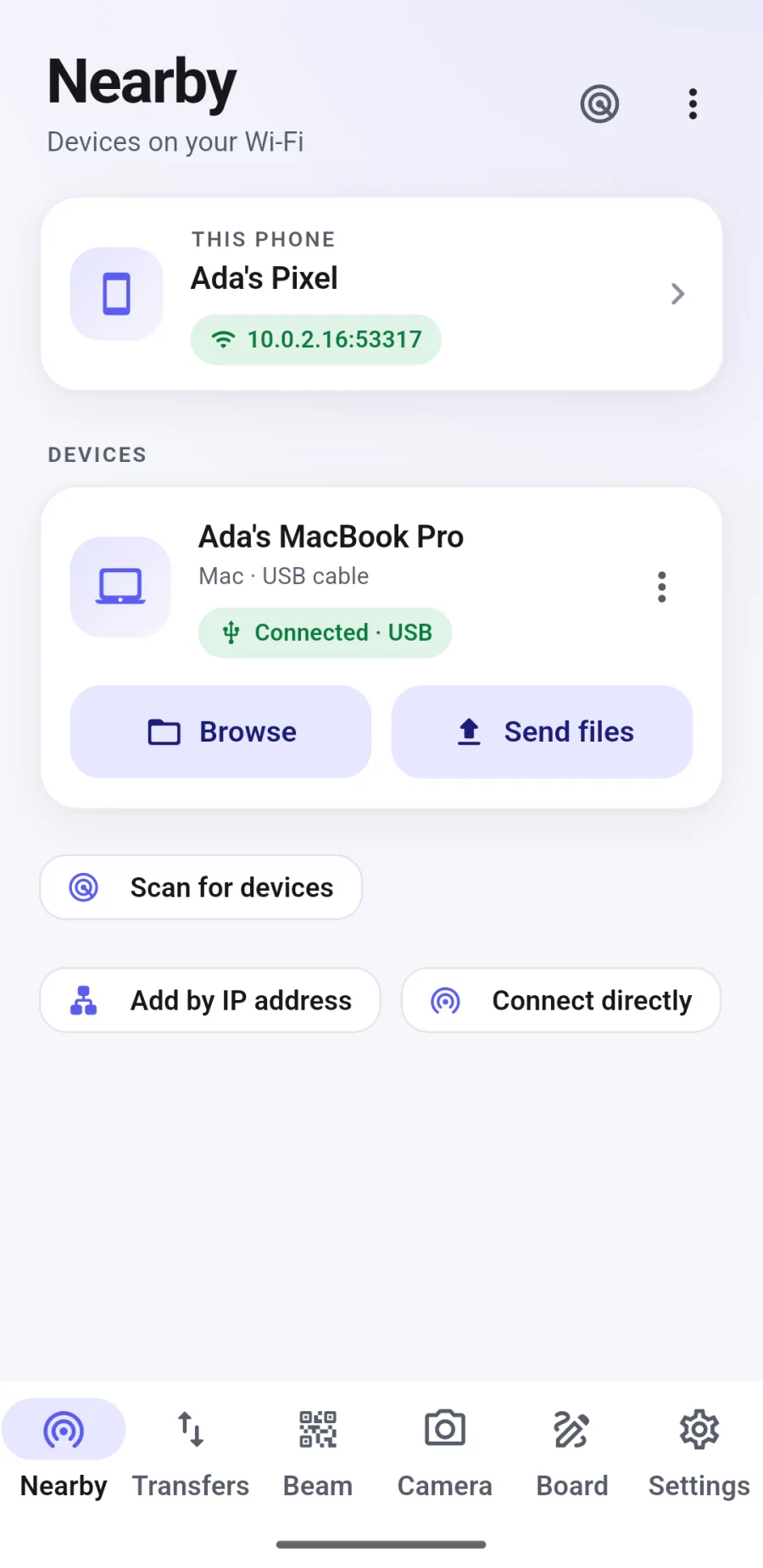
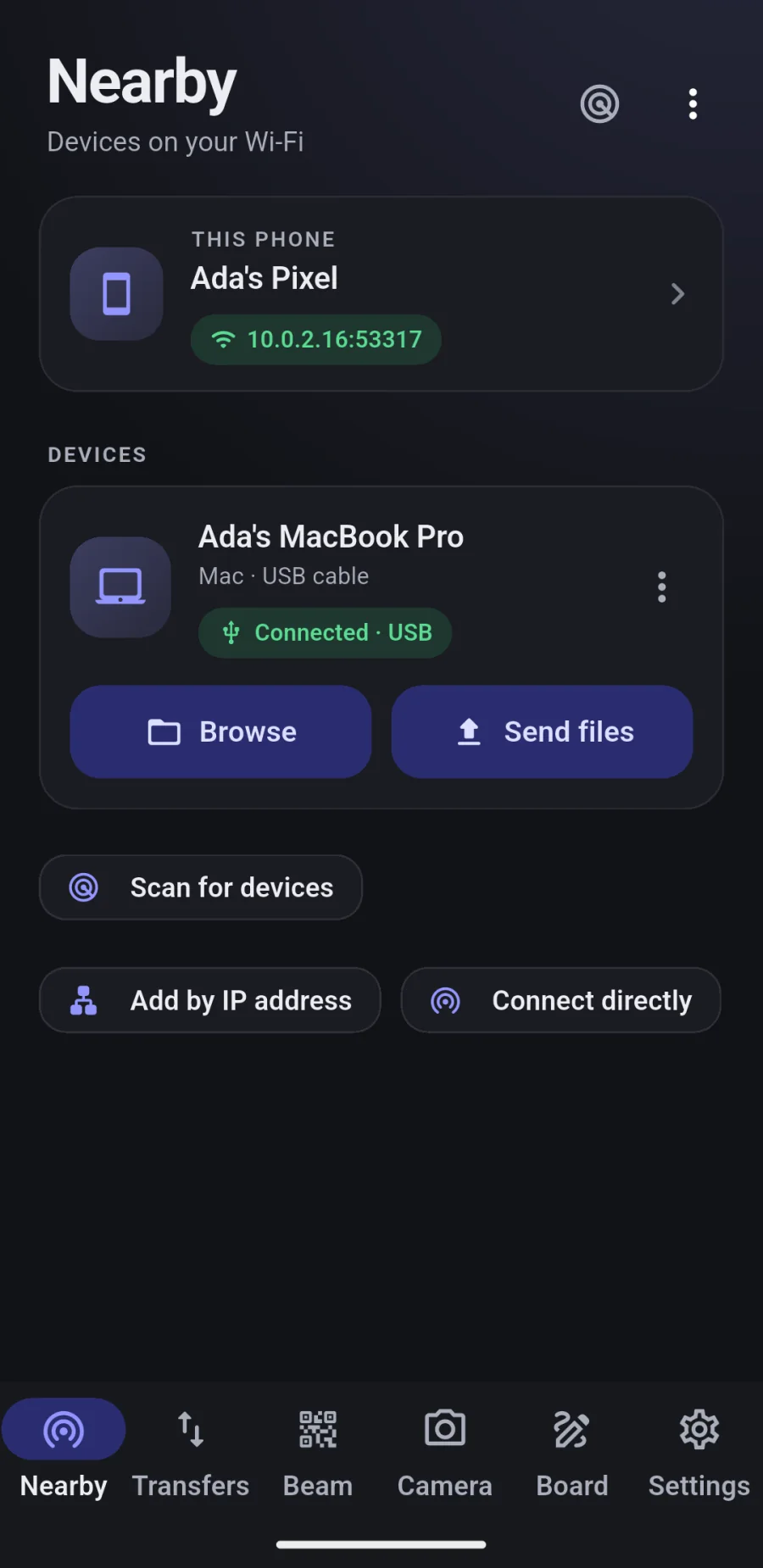
Plug the phone in, switch on USB debugging once, and its storage shows up in the app.
- Click “Set up Android bridge” once; ZeroMDroid sets up the connection for you.
- Browse, copy and delete on the phone straight from your computer, at cable speed.
- A phone that does have the ZeroMDroid app can also reach your computer over the cable, with no Wi-Fi at all.
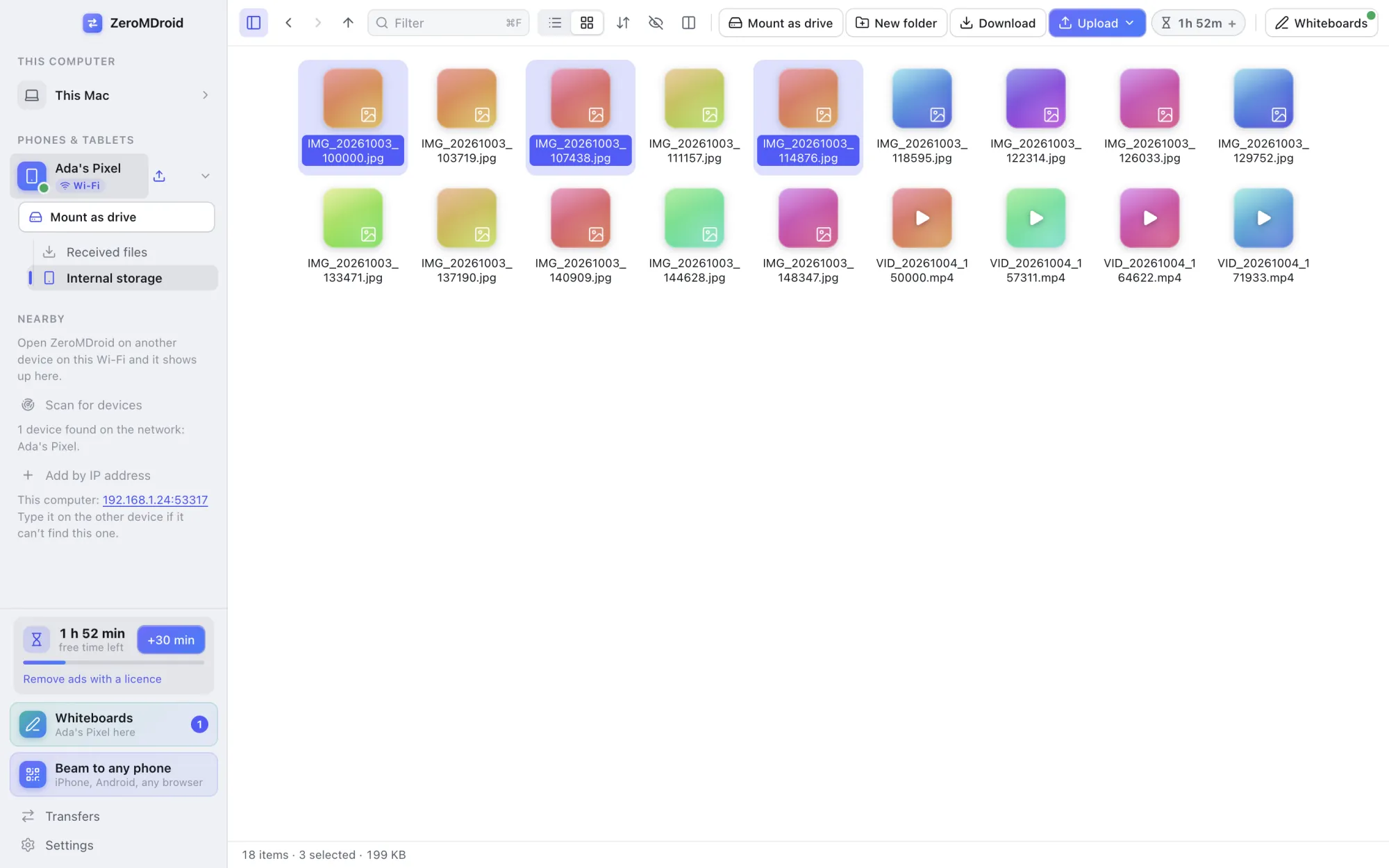
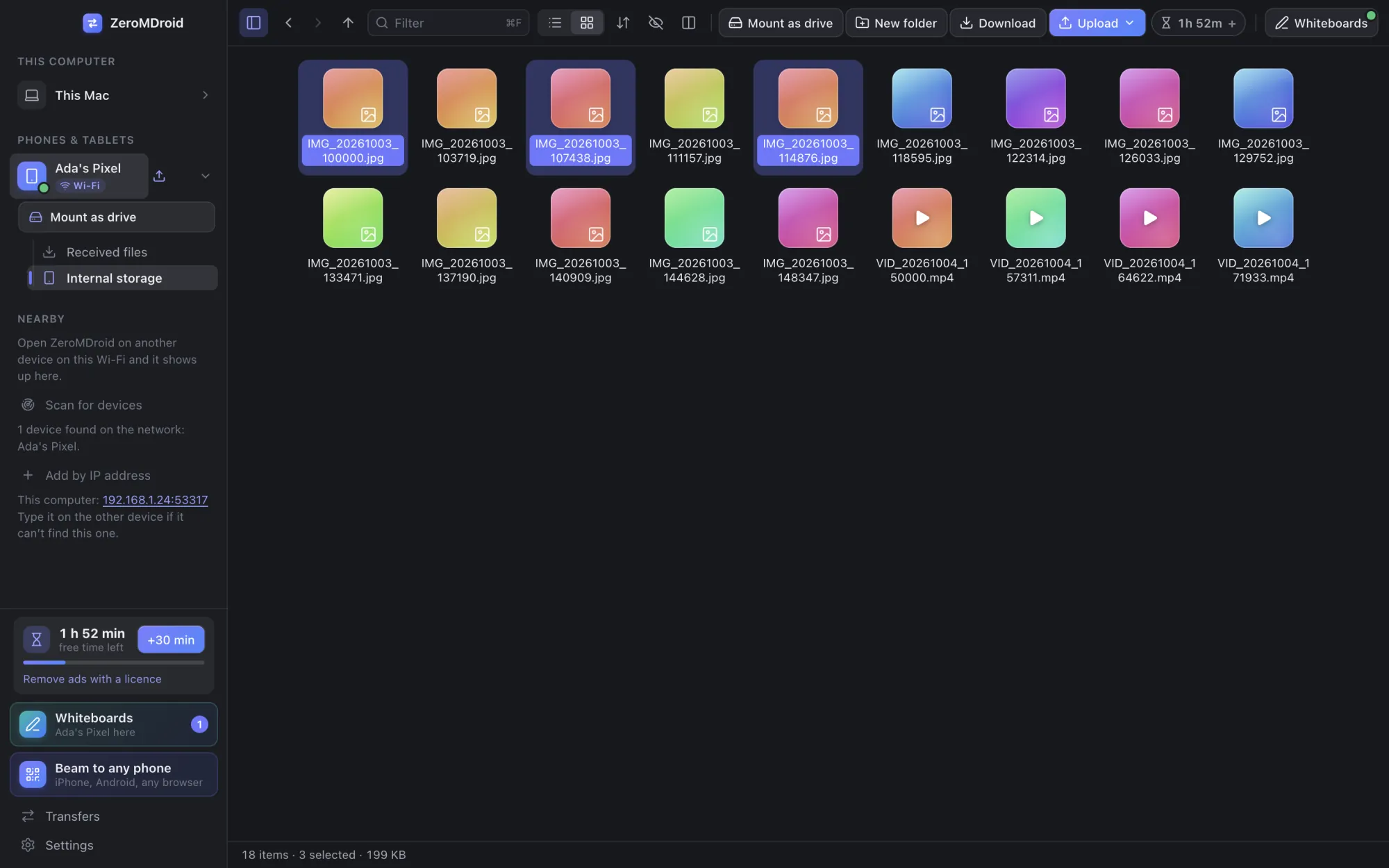
Mount a phone as a drive in Finder
On a Mac, an Android phone can appear in Finder like a USB stick. Drag files in and out with the tools you already use.
- One click on “Mount as drive”. Eject it when you are done.
- Works with any app that can open files from Finder: your editor, your photo app, the terminal.
- Nothing is installed on the phone.
Beam: any phone, no app on the other side
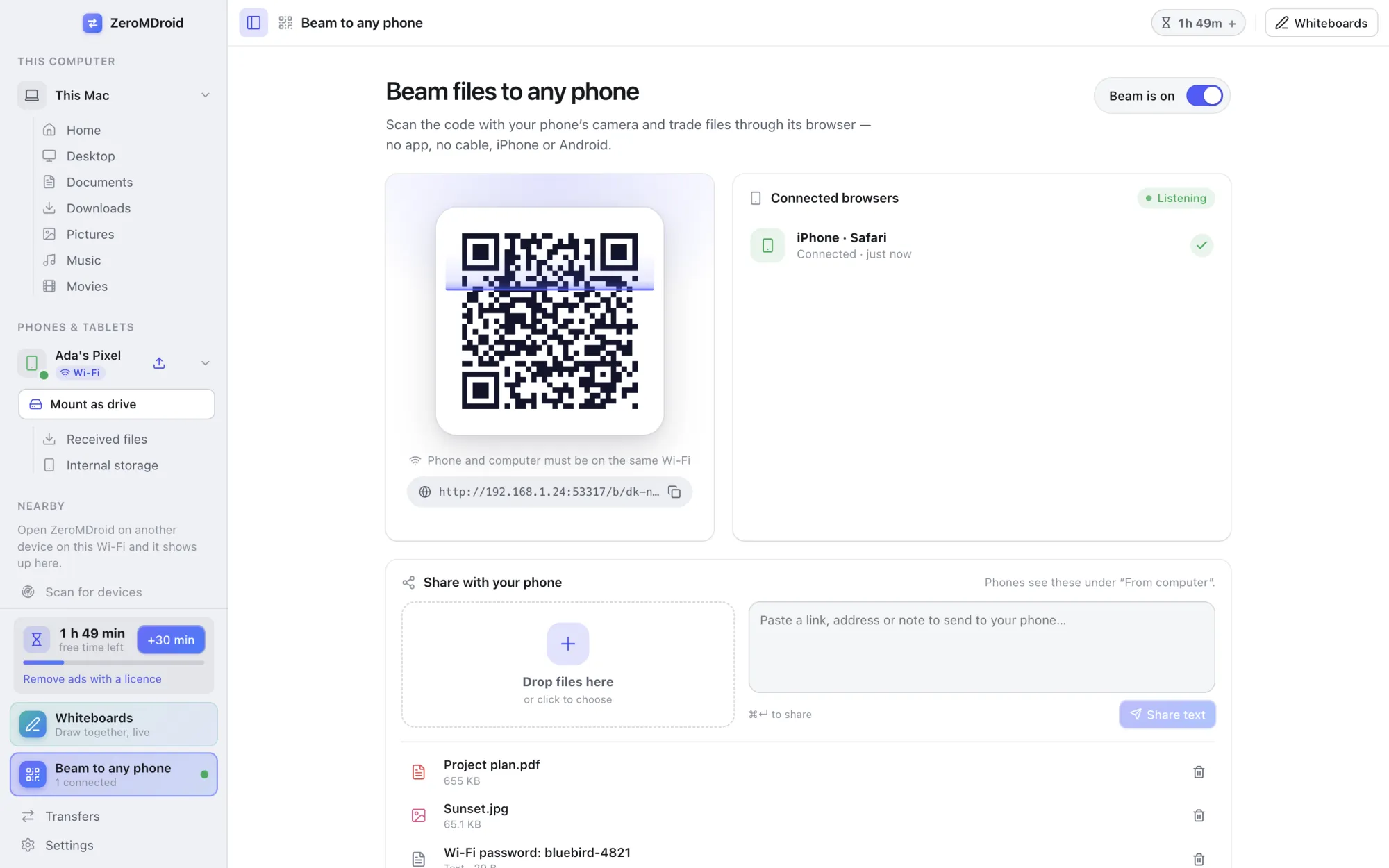
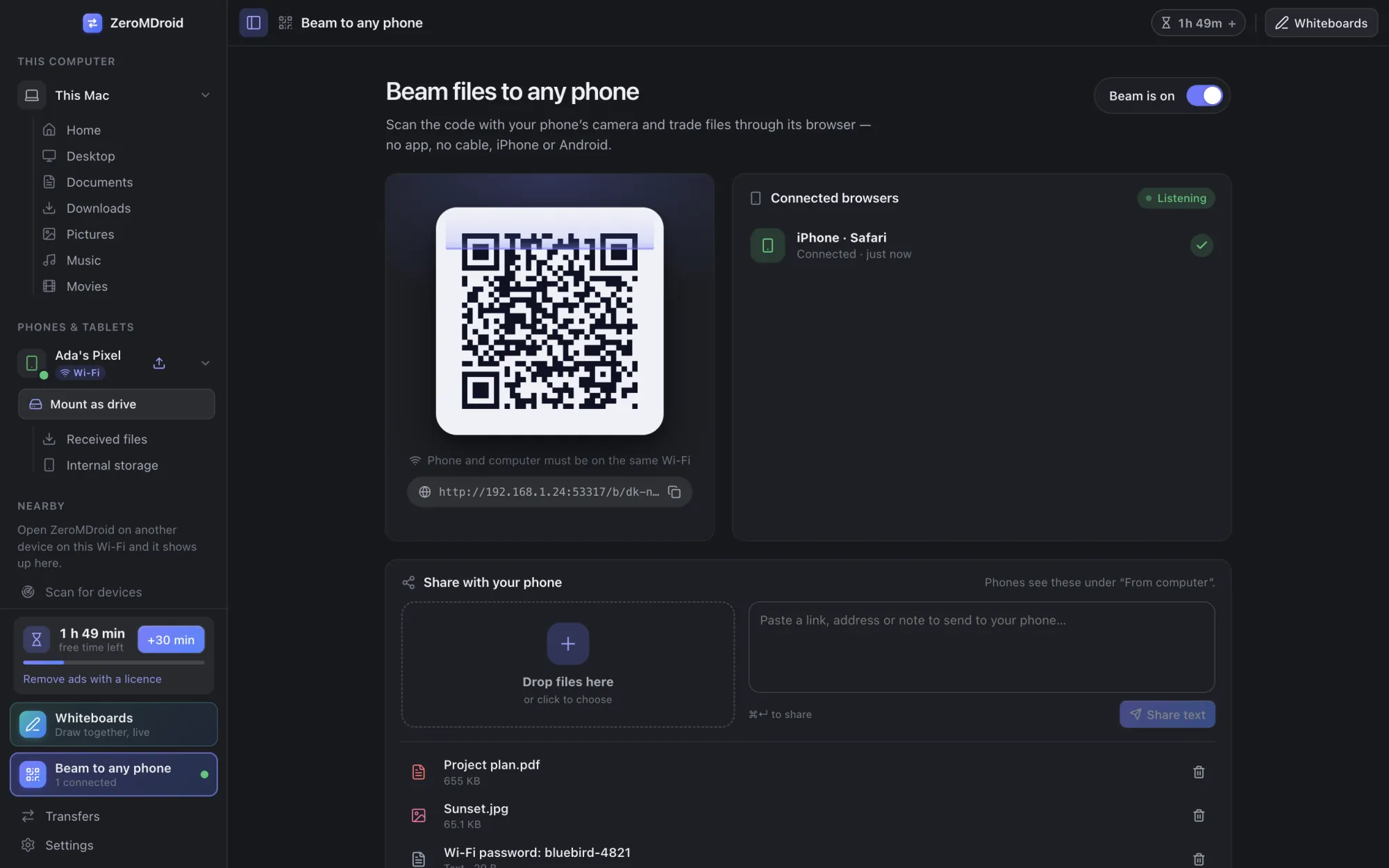
Show a QR code on your computer (or on a phone). Anyone with a browser scans it and can send files to you and take the files you shared, iPhone included.
- The link is a long random secret, and every browser has to be approved on your screen before it can do anything.
- Send in both directions, several files at once, with progress. Share a text snippet too.
- It runs on your own Wi-Fi and the page needs no internet. Beam uses plain HTTP on the local network, so use it on networks you trust (or use USB).
Shared whiteboards, drawn on live
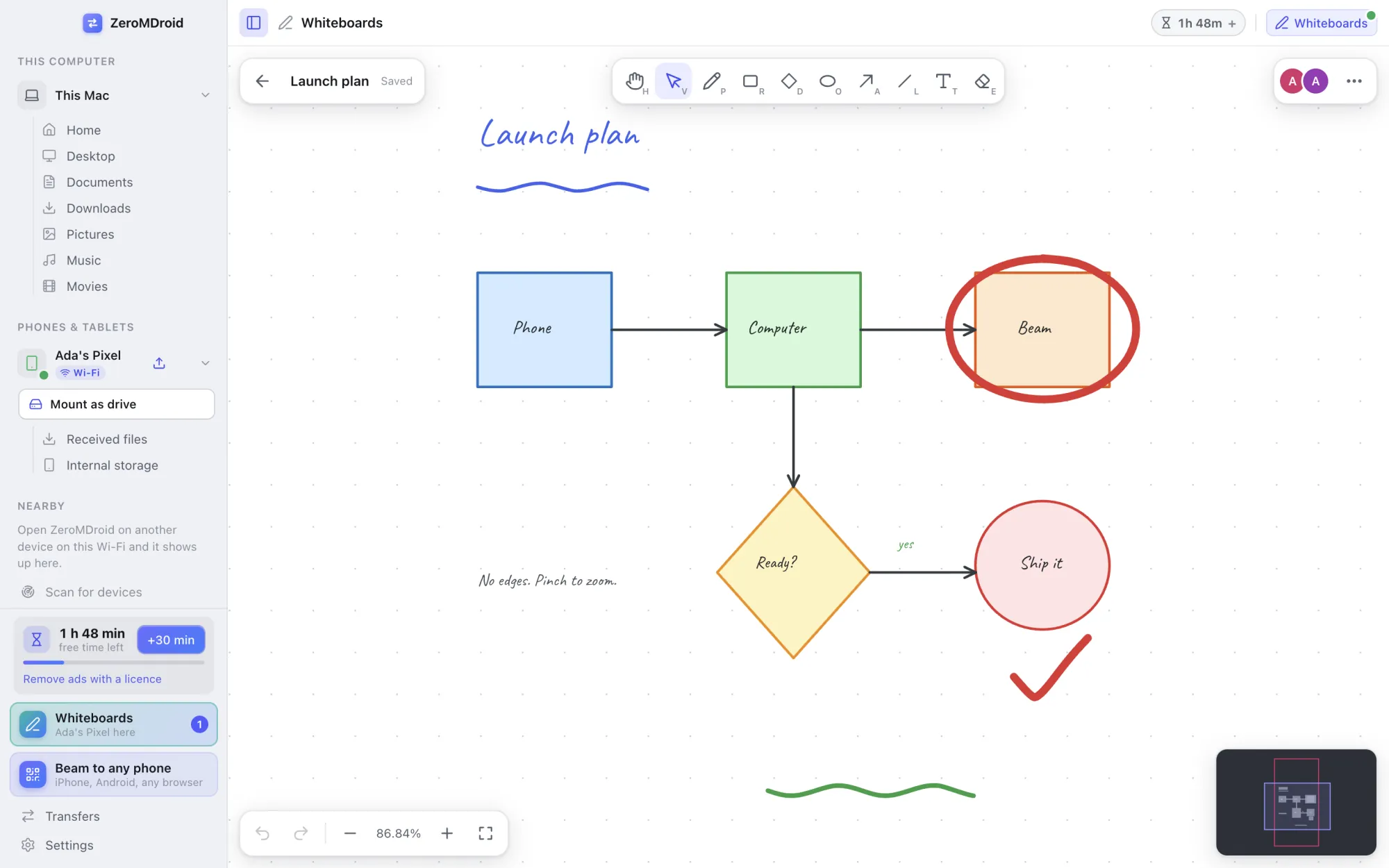
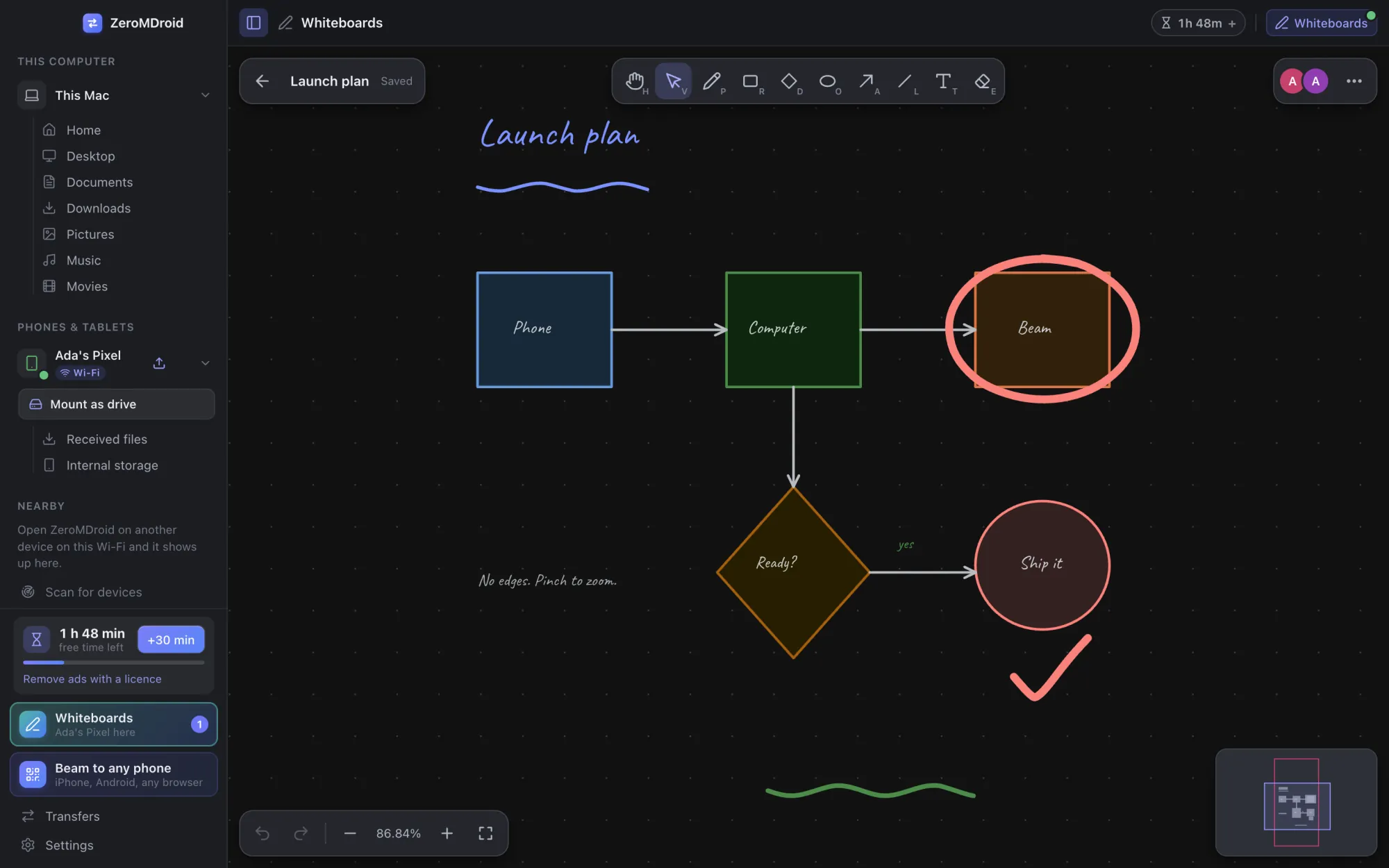
As many endless whiteboards as you like, kept on your devices. Open one on two devices and see each other draw as it happens.
- Endless: zoom from a speck to a whole wall and pan anywhere. A minimap and “Show everything” find your way back.
- Pen, lines, arrows, shapes, text, eraser and select. Lines can hold on to shapes and follow them when they move, straight, curved or at right angles.
- Everyone has a colour and a cursor. Follow someone’s view, and see who is on which board.
- Kept on every device and caught up when a device comes back. Export a board as a picture.
- It travels over the same encrypted links as your files: nothing goes through the internet.
A camera that saves to your computer
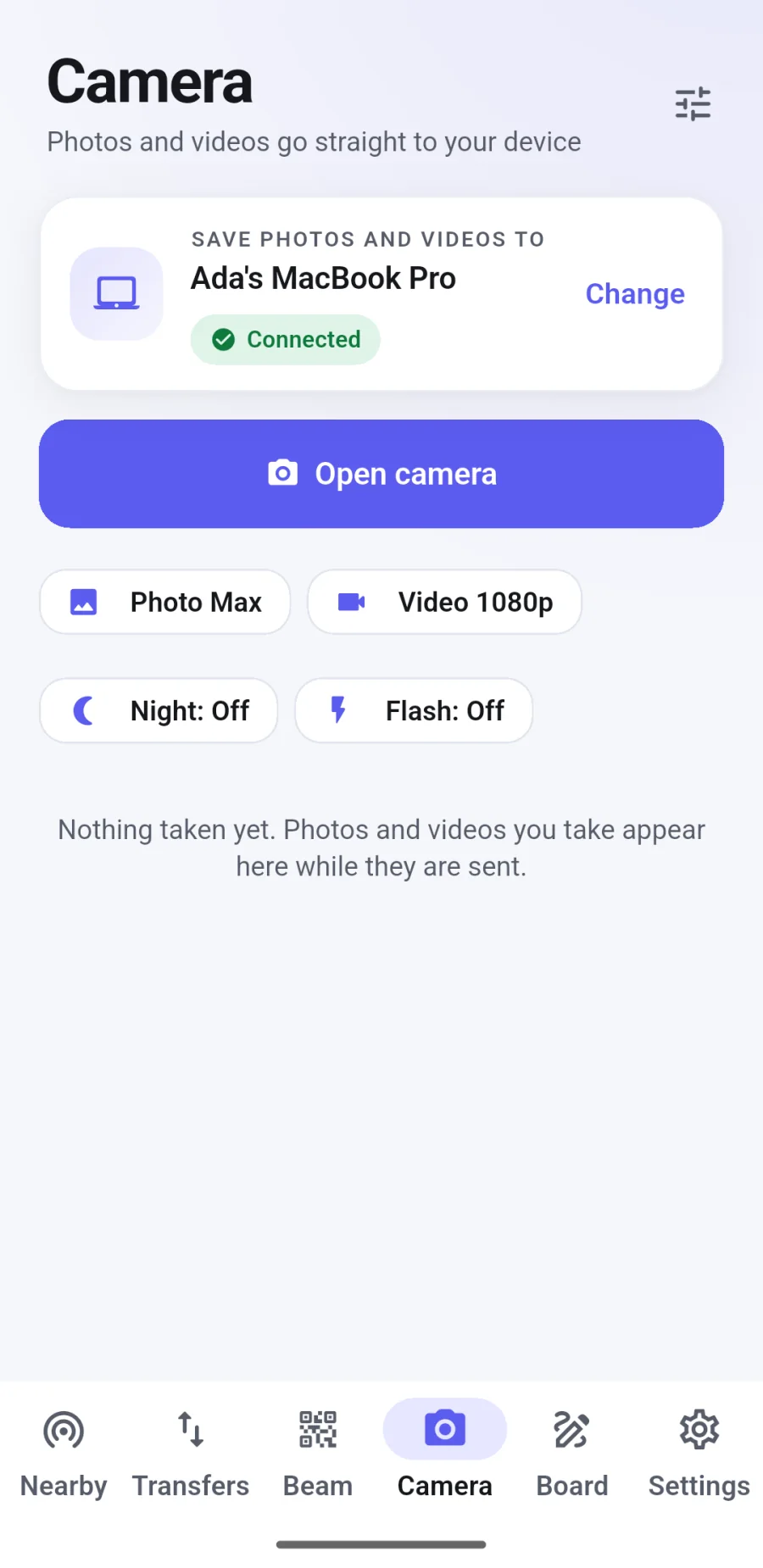
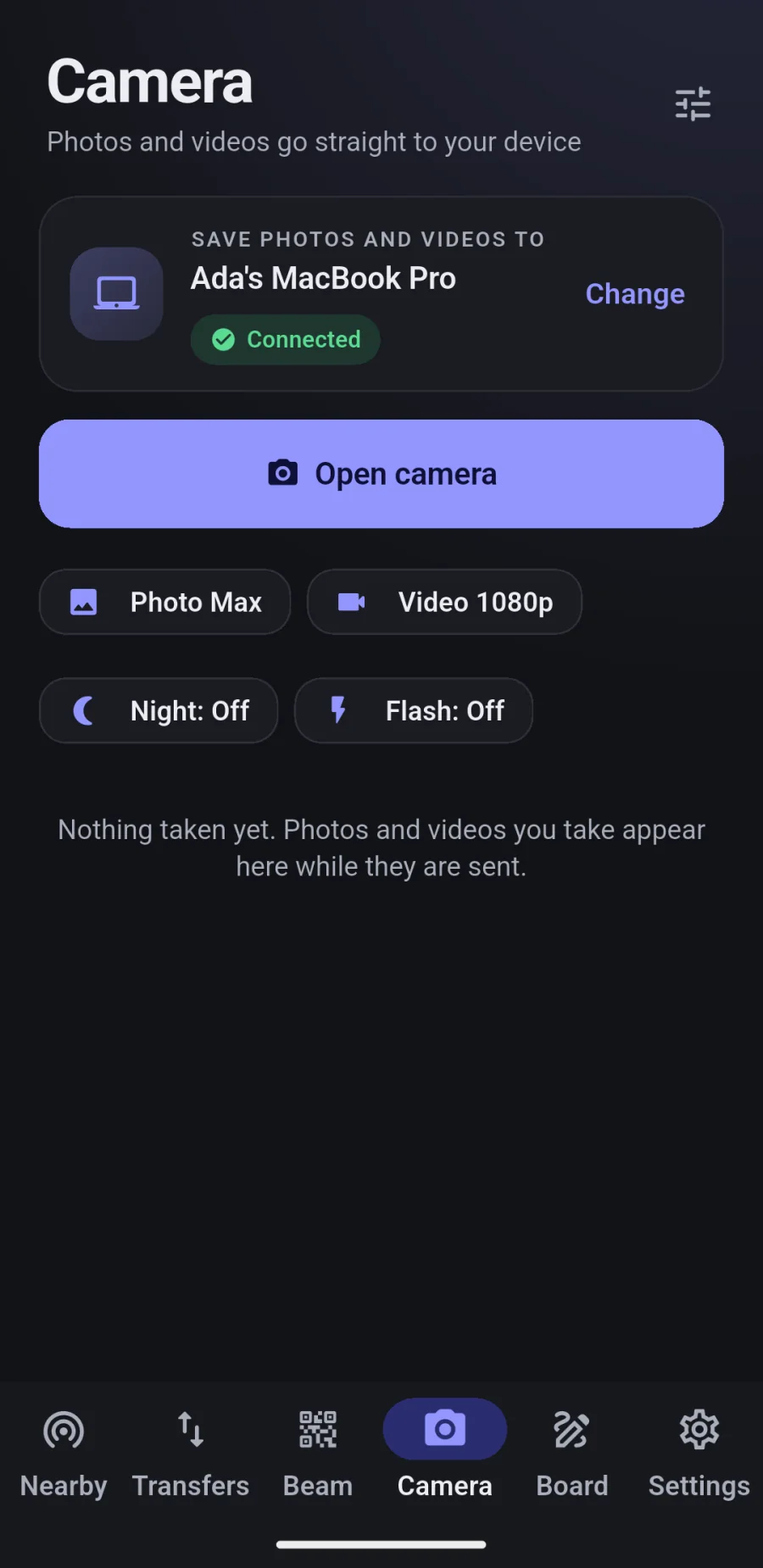
The phone’s Camera tab sends every photo and video straight to a paired computer, so nothing piles up on the phone.
- Photo and video, night mode and night vision (several frames aligned and combined), timer, flash, quality and flip.
- Shots are kept safely on the phone until the other device has the file. If it is away, they wait and are sent when it is back.
- If your usual computer is away but another is connected, the app offers to use that one instead. It never switches by itself.
Browse another device like a folder
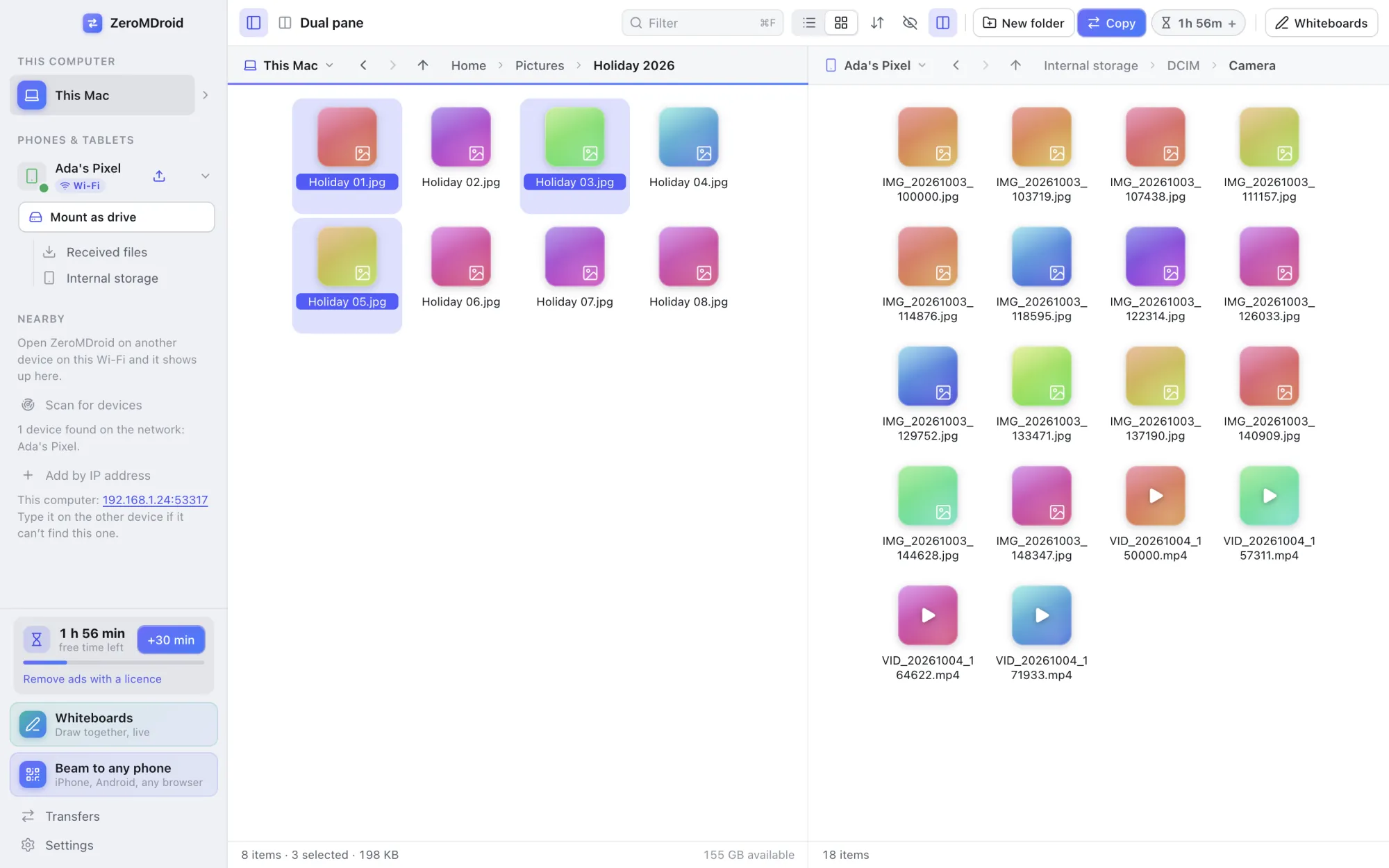
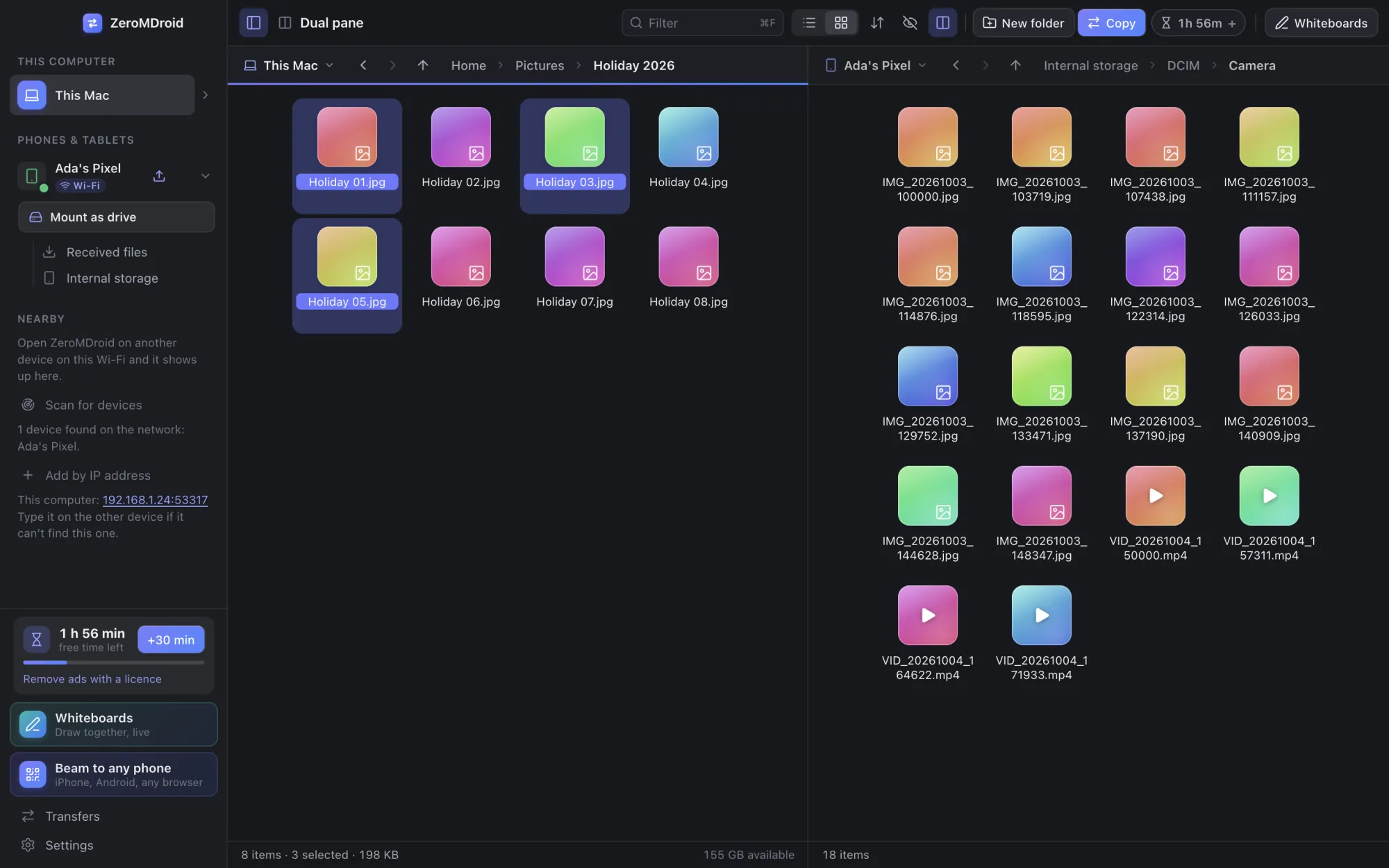
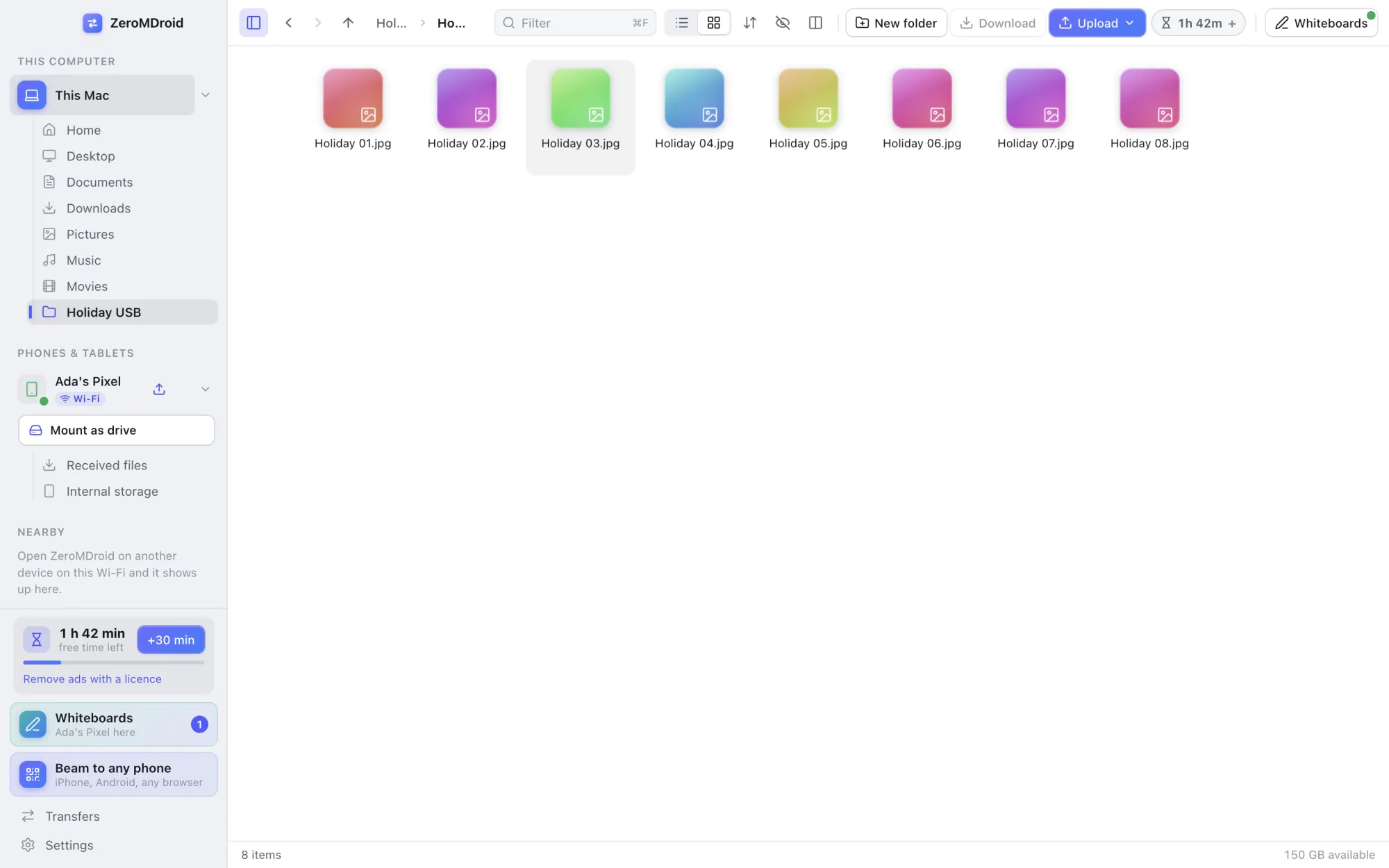
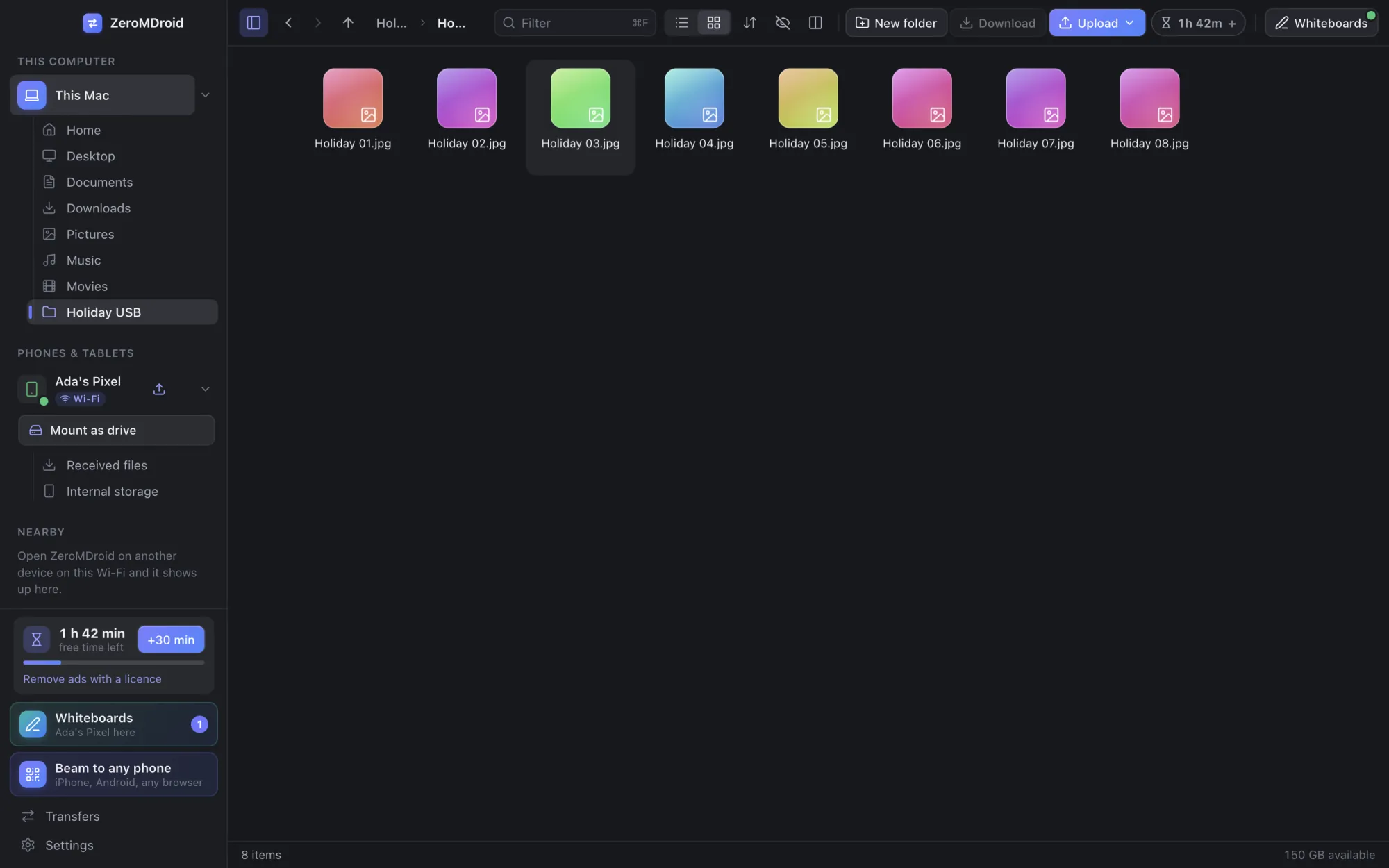
Open any connected device’s folders in the same window as your own. It feels like a file manager, because it is one.
- List or grid, sorting, a filter, hidden files, breadcrumbs, and a second pane so you can move things between two devices at a glance.
- Drag and drop between panes and from your desktop. A command palette (⌘K or Ctrl+K) does everything from the keyboard.
- Open a file with any app you have installed, or reveal it in Finder, Explorer or the Files app. Files on another device are fetched first.
- A paired phone only ever sees a few folders of your computer (Desktop, Documents, Downloads, Pictures, Music and Movies), never the whole disk.
Pendrives, SD cards and external disks
Drives you plug in appear next to your folders, without restarting anything, and disappear when you take them out.
- Works on macOS, Windows and Linux. A drive plugged in while the app is open shows up within seconds.
- On a Mac, the first time ZeroMDroid opens a drive macOS asks you to allow it. If you said no, the app tells you which drive it is and exactly where to switch it on, instead of showing an empty list.
- Writing to a drive that macOS can only read (NTFS) says so plainly, with the advice to reformat it as exFAT.
- On Android, the drives the phone itself mounts (SD cards, USB drives) are listed too, and can be offered to paired computers.
Free and Pro
Free with ads, Pro without
ZeroMDroid is free. You start with free time that counts only while you use the app, you get a little more every day, and a short ad adds more whenever you want it (watch the next one straight away, or stop). If an ad cannot be shown for any reason on our side, you are given the time anyway.
A Pro licence removes the ads and the time limit. It is monthly, yearly or for good, for the number of devices you agree, and it is arranged by e-mail: you ask, we talk, and the key is sent to your address.