No ads, no limit
Everything stays as it is. The ads and the time counter simply go away, on computers and phones.
ZeroMDroid Pro
A Pro licence turns the ads and the free-time limit off on your devices. Monthly, yearly or for good, as many devices as you need, arranged with you by e-mail.
Everything stays as it is. The ads and the time counter simply go away, on computers and phones.
Pick how long. A monthly or yearly licence tells you before it ends; a lifetime licence never does.
A new phone or computer? Enter the key there and choose which old device it replaces. Nothing is lost.
How to get one
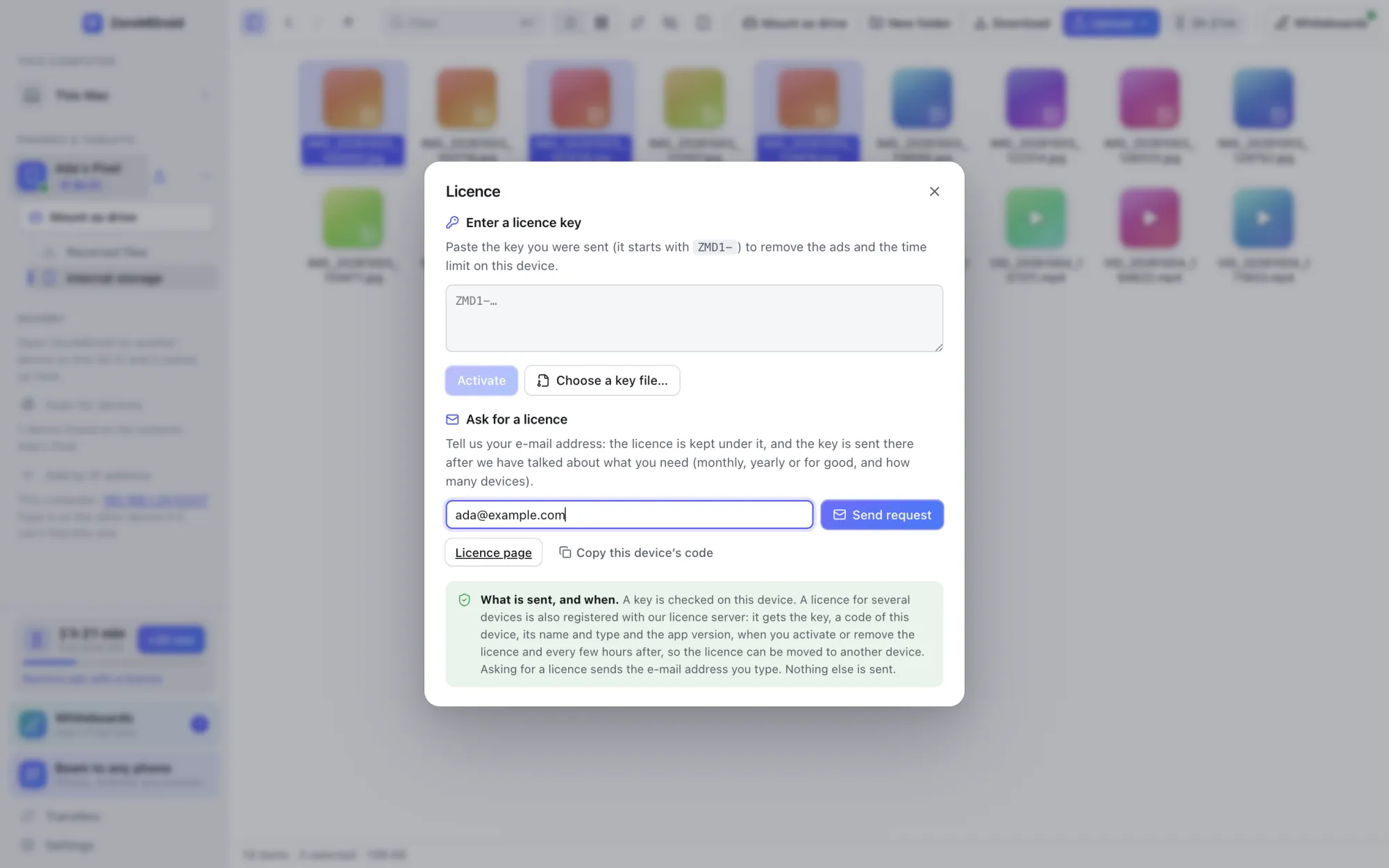
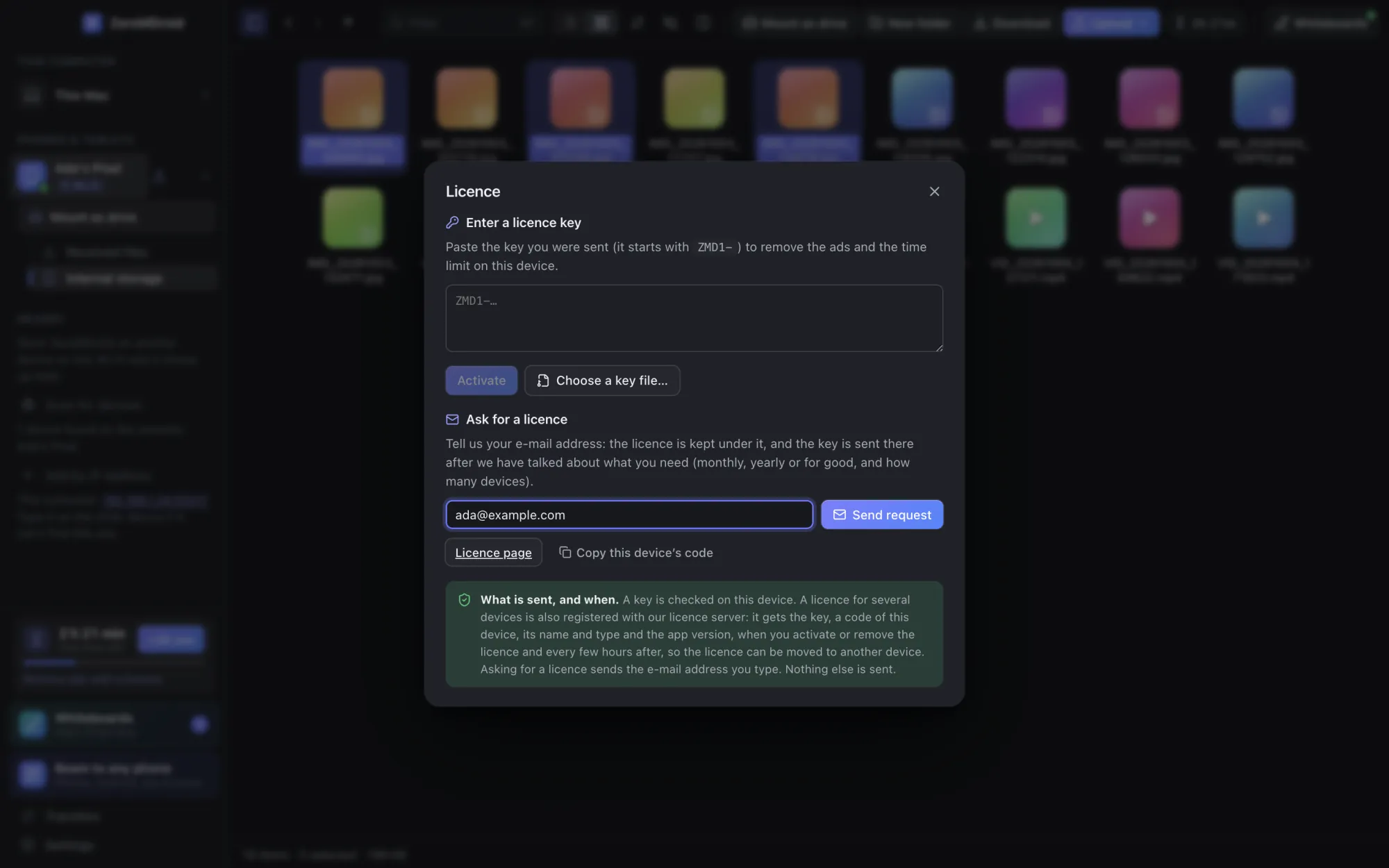
Send us your e-mail address below, or from the app (Settings › Plan & ads › Enter a licence key › Ask for a licence). Your address is what the licence is kept under.
We agree the term (monthly, yearly or lifetime), how many devices, and how to pay. Nothing is charged here.
We send a key (and a key file) to your address. It starts with ZMD1-.
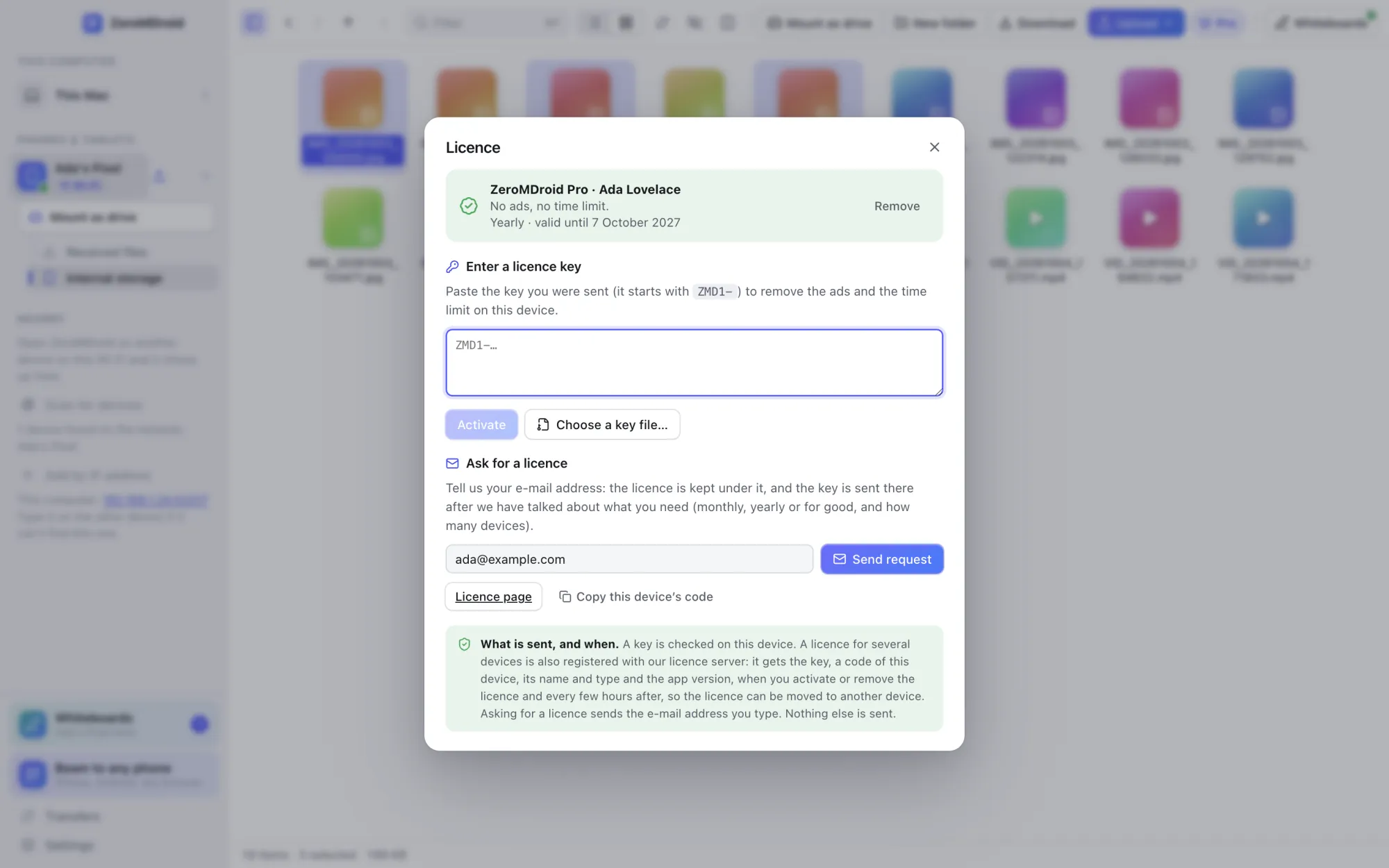
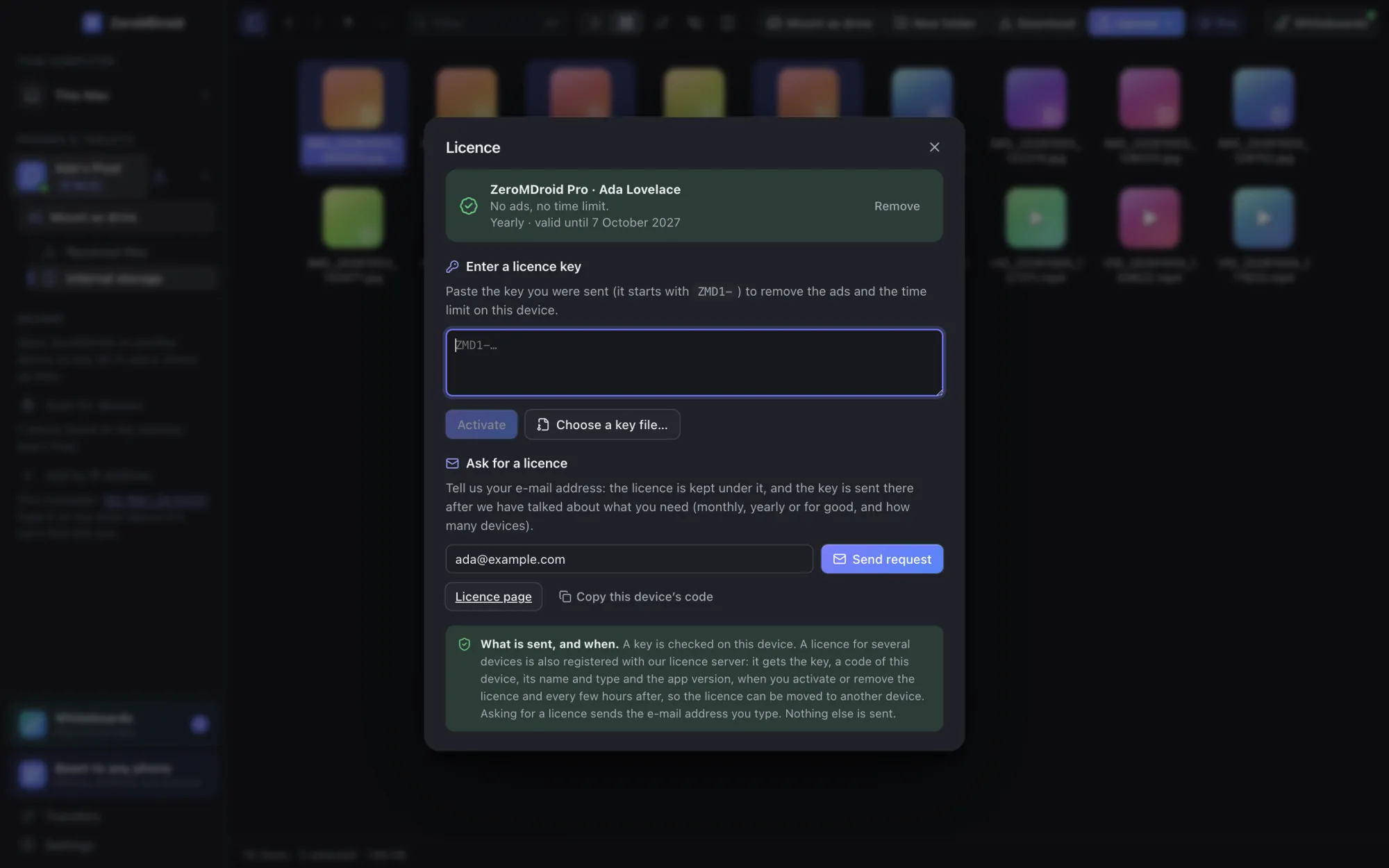
In the app: Settings › Plan & ads › Enter a licence key, paste it, press Activate. The ads and the limit are gone.
Ask for a licence
I already have a key
Paste your key to see what it covers and which devices it is on. Having the key is the proof that it is yours.
No device is using this licence right now.
Using the key
What you will see
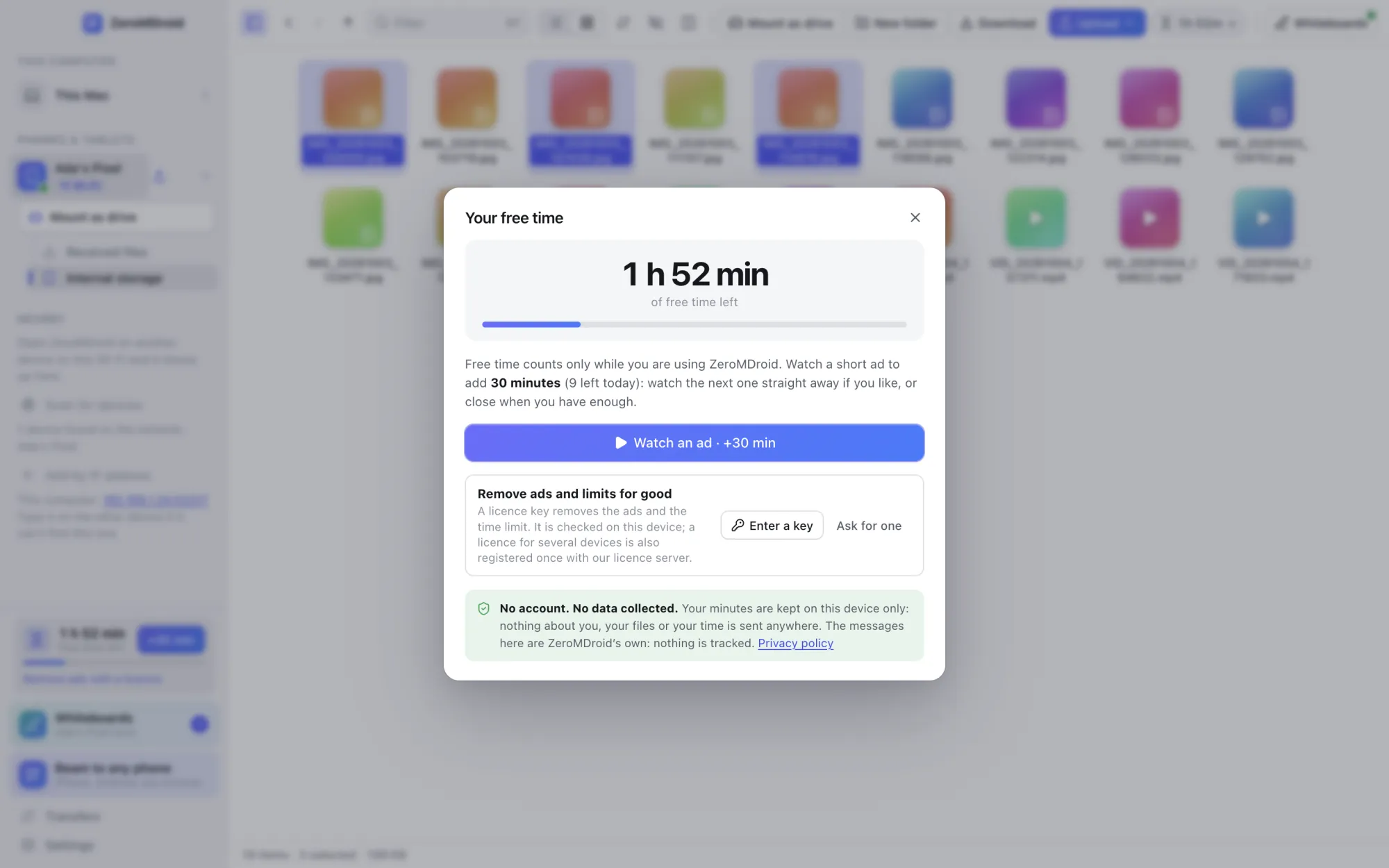
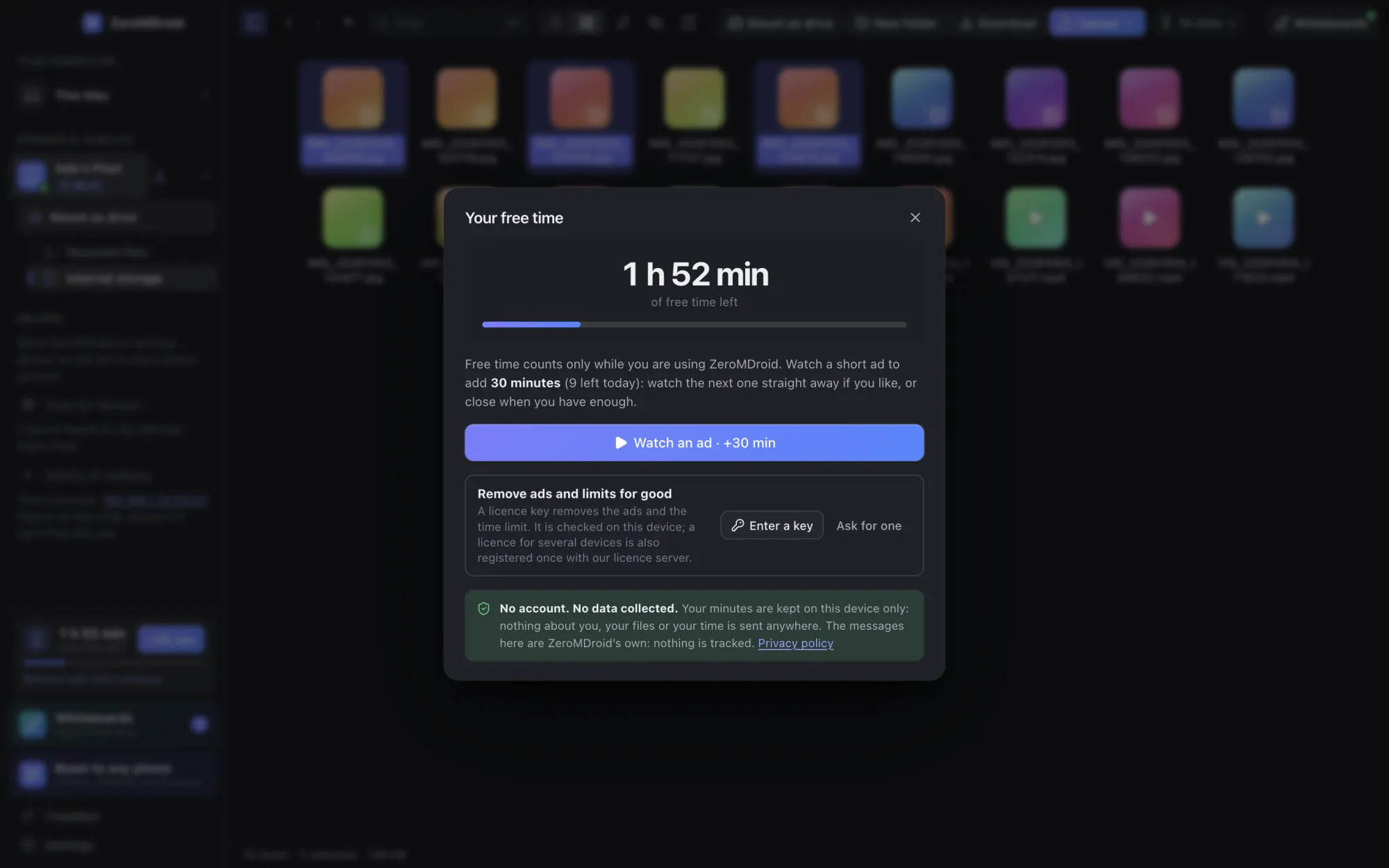
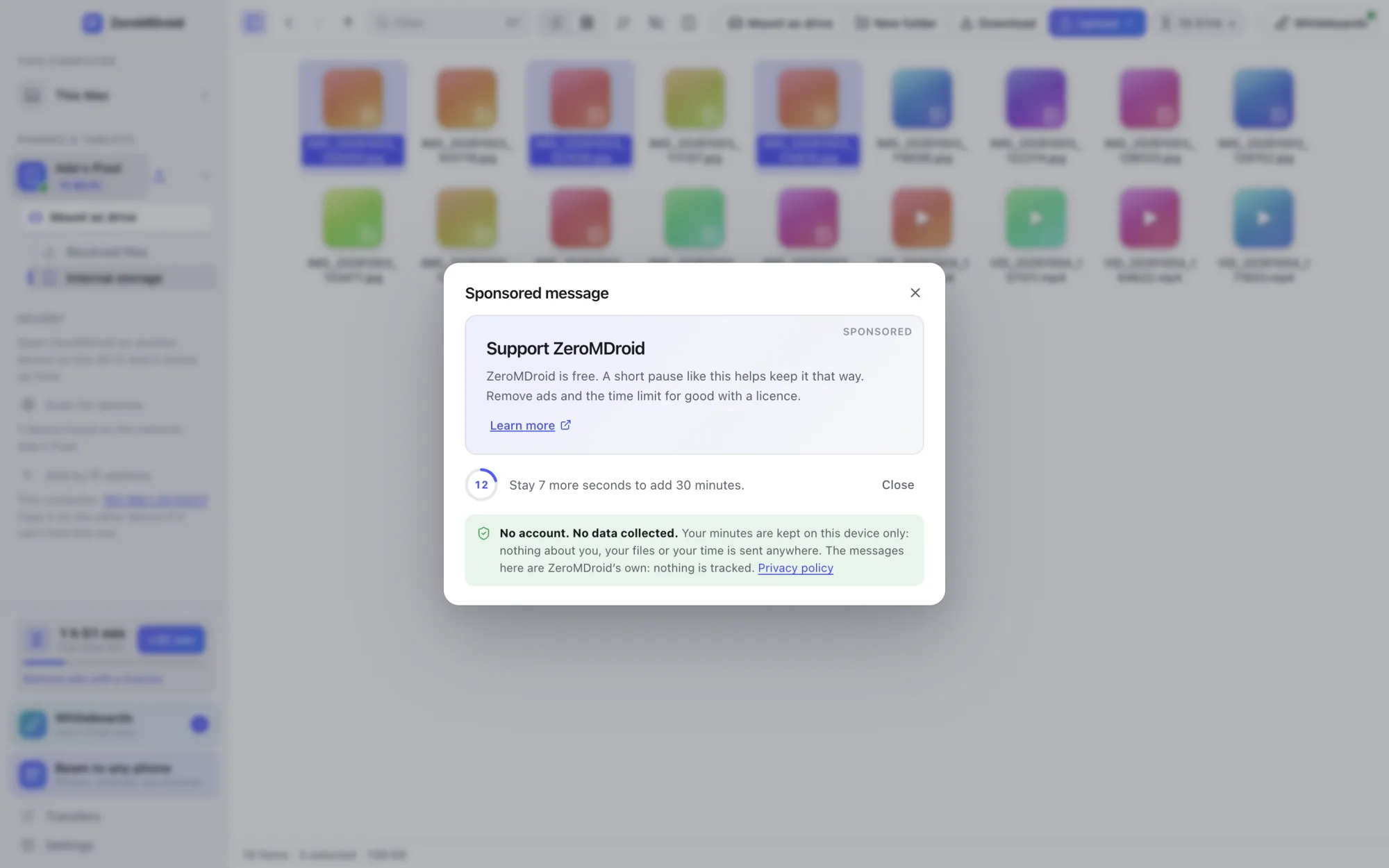
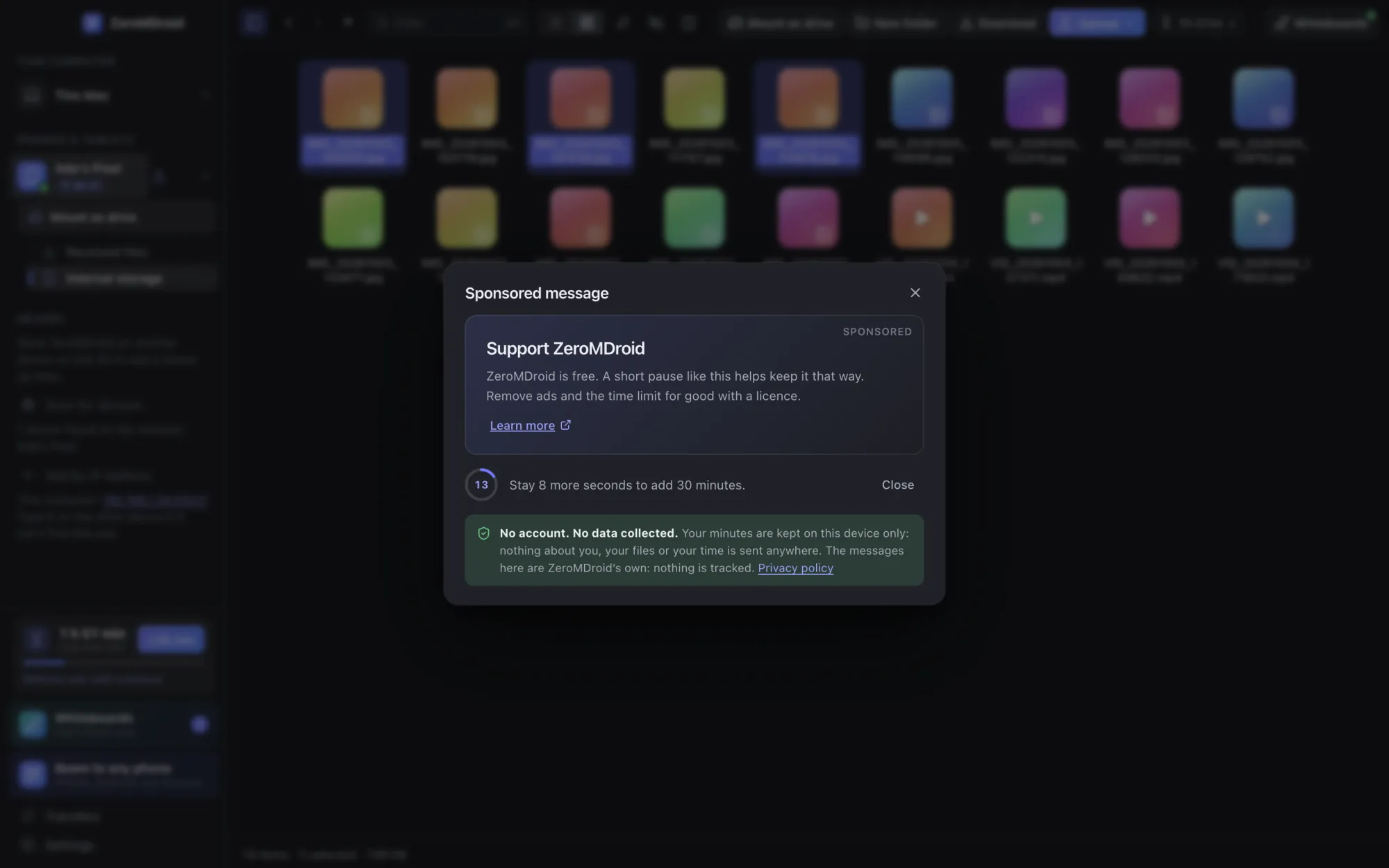
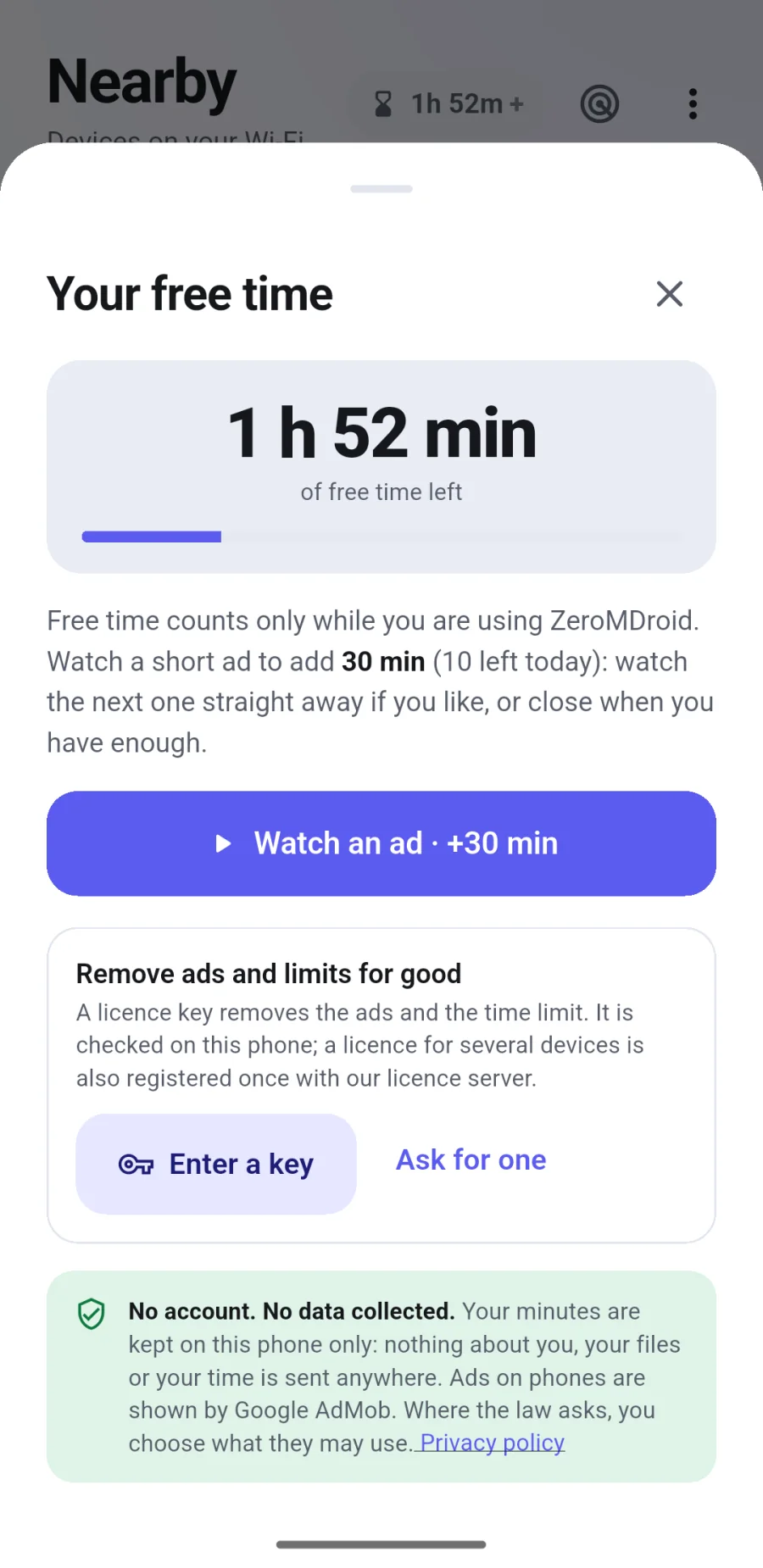
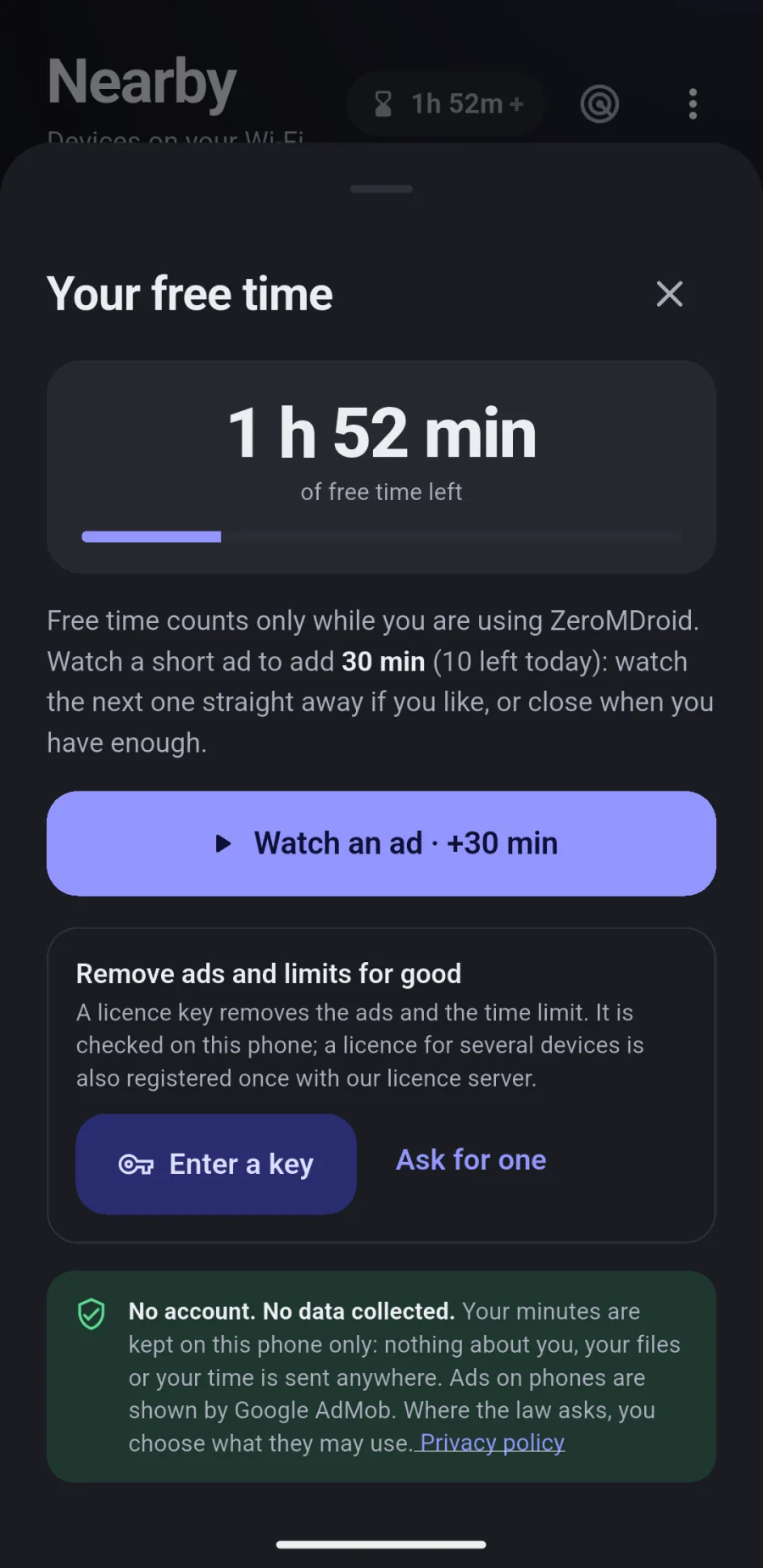
Without a licence ZeroMDroid is free with ads: a clock counts the time you use it, and a short message adds more. With a licence the clock and the ads are gone.
Questions
It is for as many devices as we agree when you ask (one is the usual start). They are counted when you enter the key. You can move the licence to a new device any time: enter the key there and choose which old device it replaces, or free a device yourself on this page.
Install ZeroMDroid on the new phone and enter your key. If the licence is already on all its devices the app lists them and offers “Use here instead”. Or release the old phone below first.
Release a device yourself on this page (or by removing the licence in the app) to free its place. To cancel a licence completely, use “Ask us to cancel it” below, or write to us: we cancel it and the apps stop honouring it the next time they check.
A monthly or yearly licence ends on its date; the app tells you in the last week and the device goes back to free with ads. Ask for the next one before it ends and we send a new key. A lifetime licence never ends.
A key is checked on your device. A licence for several devices is also registered once on our server when you enter it, and looked at again every few hours while the app is open; if the server cannot be reached nothing changes and you are never locked out.
The licence record (your e-mail address, name, term, key id), the devices it is on (a code, the device name and type, the app version, when it was last seen), and the requests you send us. No payment details, no files, nothing about how you use the app. See the privacy policy.
It depends on the term and the number of devices, and we agree it with you by e-mail before anything is sent. There is no price list and no checkout here.
More questions? admin@fabrixly.com