A USB-C Ethernet adapter
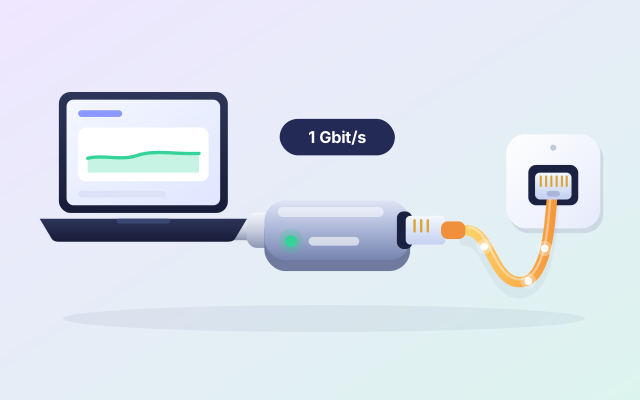
Give a laptop with no network port a wired link to the router: usually steadier than Wi-Fi, and quick for big files.
Opens Amazon.in in a new tab · affiliate link
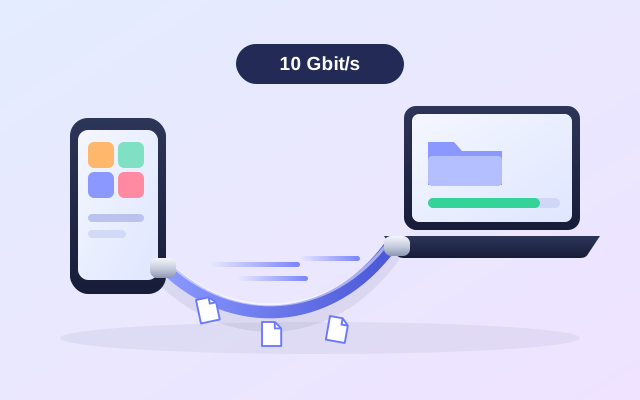
Your phone says “copying, 38 minutes left”. That is often the cable: most USB-C cables sold for charging carry data at USB 2.0 speed, about 40 MB/s in practice. A cable rated for 10 Gbit/s can move big files several times faster, when your phone and your computer both support it.
Opens Amazon.in in a new tab · affiliate link
An example: UGREEN USB-C cable, USB 3.2 Gen 2, 1 m.
A folder of videos or a whole photo library can be copied in the time it takes to make tea, instead of the time it takes to cook dinner.
A cable made to carry data fast usually charges the phone too, so the one in your bag does both jobs.
A cable is a private, steady line between two devices. It does not care about weak Wi-Fi, a busy network or a hotel that keeps devices apart.
You come home with 40 GB of holiday video and want it on the laptop tonight, not tomorrow.
The hotel Wi-Fi will not let your phone and your laptop see each other.
You are about to leave, the copy still says “38 minutes left”, and you need your phone back.
Two minutes with the listing now beats a surprise later. Look at these three things first.
We have not tested this product ourselves. It is an example of a well-known make that is widely sold, and the listing on Amazon.in is the place to check the details against your own phone and computer.
In the listing, look for 10 Gbit/s, USB 3.2 Gen 2, USB4 or Thunderbolt. A cable that only talks about fast charging may carry data at USB 2.0 speed inside.
A fast cable cannot be faster than the ports it joins. Many phones have a USB 2.0 port that looks just like a fast one: check the phone’s specification before you count on it.
Shorter cables hold full speed more easily, and about a metre is a good size for a desk. Check that both ends are USB-C and that the listing says it carries data, not only power.
ZeroMDroid uses the cable for Android phones: switch on USB debugging once and the phone’s storage shows up in the app, with files copied at cable speed. No Wi-Fi, no account, no cloud, and nothing to install on the phone.
Short, plain answers, including how this link works.
No. Many are made for charging and carry data at USB 2.0 speed. For a big copy look for a cable that says 10 Gbit/s, USB 3.2 Gen 2, USB4 or Thunderbolt, and check that your phone’s port supports the same.
Often it is, and ZeroMDroid works over both. A cable wins when there is no shared network, when a file is very big, or when you want the phone to show up as a drive.
No. The price is the same with or without our link, and Amazon.in shows it, not us. If you buy, Fabrixly earns a small commission from Amazon. Nobody pays us to list a product.
No rush. The listing has the details, and what to check is right above. If it fits your phone and your computer, it is a small thing that makes a big job easier.
Opens Amazon.in in a new tab · affiliate link
Give a laptop with no network port a wired link to the router: usually steadier than Wi-Fi, and quick for big files.
Opens Amazon.in in a new tab · affiliate link
A pocket-sized drive, usually far faster than a pendrive: a second copy of your photos, projects and phone backup.
Opens Amazon.in in a new tab · affiliate link
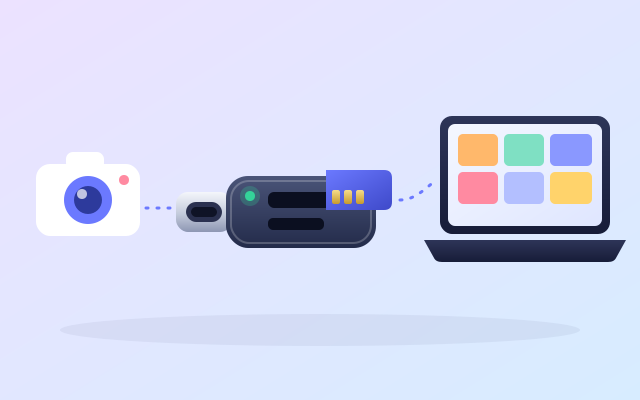
Copy a day of photos from the card to your computer at the card’s own speed, with no phone in the middle.
Opens Amazon.in in a new tab · affiliate link
As an Amazon Associate I earn from qualifying purchases. Every link to Amazon.in on this page is an affiliate link: if you buy through it, Fabrixly earns a small commission from Amazon, and the price you pay does not change. Nobody pays us to list a product.
We have not tested these products ourselves. They are well-known brands that are widely sold, and the listing on Amazon.in is the place to check the details. Prices and availability are shown on Amazon.in, not here.