A portable SSD
A pocket-sized drive, usually far faster than a pendrive: a second copy of your photos, projects and phone backup.
Opens Amazon.in in a new tab · affiliate link
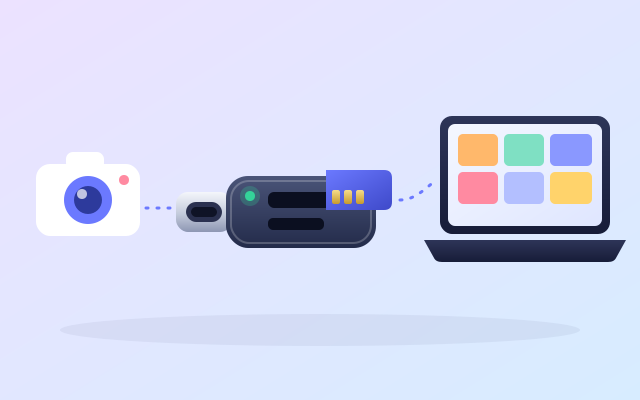
Taking the card out and copying it straight to the computer is often the quickest way to empty it. A card reader reads at the card’s own speed, with no phone in the middle, no battery to watch and nothing to unlock.
Opens Amazon.in in a new tab · affiliate link
An example: UGREEN SD and microSD card reader, USB-C.
The reader talks to the card directly, so a fast card and a fast port are not held back by a slow link in between.
The camera or the drone stays in the bag, and your phone’s battery stays full.
A USB-C reader plugs straight into a modern laptop. Check the listing if you also want a USB-A plug for older computers.
SD and microSD slots in one small body, so the card from the camera and the card from the drone both fit.
You shot all day on a camera and want everything on the laptop before dinner.
The drone’s app wants a long, slow download over Wi-Fi, and the card is right there.
A friend hands you their card and says: “can you get these to me?”
Two minutes with the listing now beats a surprise later. Look at these three things first.
We have not tested this product ourselves. It is an example of a well-known make that is widely sold, and the listing on Amazon.in is the place to check the details against your own phone and computer.
Look for both SD and microSD if you use both, and read the listing to see whether the two slots can be used at the same time.
A reader is as quick as its port: look for USB 3.0 or faster in the listing, and the right plug for your computer (USB-C, or USB-A with an adapter).
A fast reader cannot make a slow card fast. Check the card’s read speed too.
Put a card in the reader and ZeroMDroid lists it next to your folders, like any drive. Drag the photos across to your computer, or send them on to a paired phone.
Short, plain answers, including how this link works.
Many Android phones can read a card through the USB-C port, and then list the card as a drive. Check that yours supports USB host mode. ZeroMDroid can then share the card with your paired computers.
Look for both slots in the listing: full-size SD for most cameras, microSD for phones, drones and action cameras.
No. The price is the same with or without our link, and Amazon.in shows it, not us. If you buy, Fabrixly earns a small commission from Amazon. Nobody pays us to list a product.
No rush. The listing has the details, and what to check is right above. If it fits your phone and your computer, it is a small thing that makes a big job easier.
Opens Amazon.in in a new tab · affiliate link
A pocket-sized drive, usually far faster than a pendrive: a second copy of your photos, projects and phone backup.
Opens Amazon.in in a new tab · affiliate link
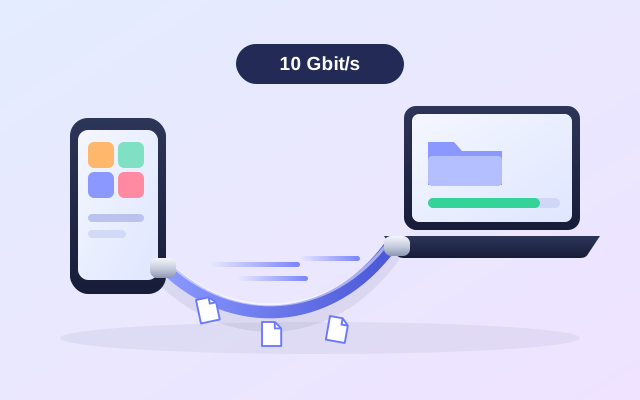
Most charging cables copy at USB 2.0 speed. A cable rated for 10 Gbit/s can finish big copies several times sooner.
Opens Amazon.in in a new tab · affiliate link
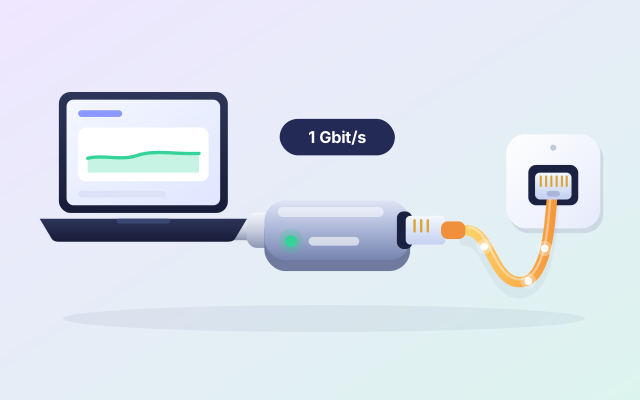
Give a laptop with no network port a wired link to the router: usually steadier than Wi-Fi, and quick for big files.
Opens Amazon.in in a new tab · affiliate link
As an Amazon Associate I earn from qualifying purchases. Every link to Amazon.in on this page is an affiliate link: if you buy through it, Fabrixly earns a small commission from Amazon, and the price you pay does not change. Nobody pays us to list a product.
We have not tested these products ourselves. They are well-known brands that are widely sold, and the listing on Amazon.in is the place to check the details. Prices and availability are shown on Amazon.in, not here.