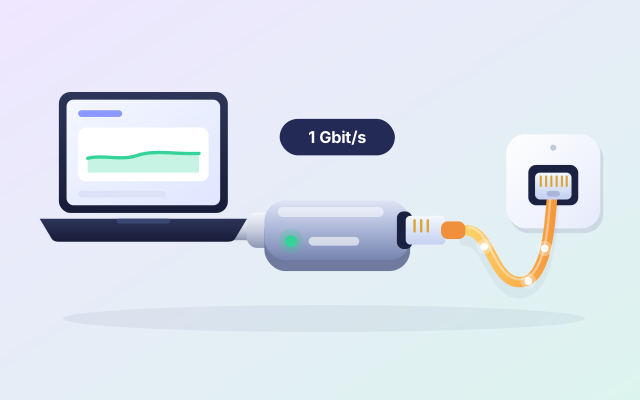
A USB-C Ethernet adapter
Give a laptop with no network port a wired link to the router: usually steadier than Wi-Fi, and quick for big files.
Opens Amazon.in in a new tab · affiliate link
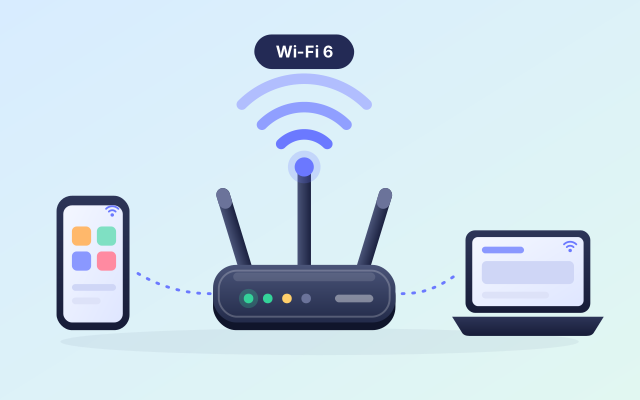
When your phone and your laptop copy over Wi-Fi, the router is the road. An old or crowded one makes that road slow and bumpy. A Wi-Fi 6 router can give steadier speeds when many devices share it, if your phone and your laptop support Wi-Fi 6 too (many recent ones do).
Opens Amazon.in in a new tab · affiliate link
An example: TP-Link Archer AX23 (AX1800, Wi-Fi 6), found with a search on Amazon.in.
On devices that support Wi-Fi 6, it can be noticeably quicker than an old router, most of all on the 5 GHz band.
Newer routers are made to look after many devices at once, so the TV, the phones and the laptops slow each other down less.
ZeroMDroid sends files straight between your own devices over this network. Nothing goes through the internet, so a better router helps exactly the part that matters.
A new router comes with current security and a clean setup: a good moment to give the Wi-Fi a strong password.
Three people are on video calls and you still want to copy a folder to the laptop.
Your phone and laptop both support Wi-Fi 6, and an old router is holding them back.
The Wi-Fi works for pages and videos but crawls when you send a big file.
Two minutes with the listing now beats a surprise later. Look at these three things first.
We have not tested this product ourselves. It is an example of a well-known make that is widely sold, and the listing on Amazon.in is the place to check the details against your own phone and computer.
Wi-Fi 6 helps most when your phone and your laptop support it too. Older devices still connect, but at the speed they know.
One router suits a flat or a small house. A big house or thick walls may need more than one, such as a mesh set. The listing says what it is made for.
A new router does not make the internet plan you buy faster. It improves the Wi-Fi inside your home, which is the part that counts for copying between your own devices.
ZeroMDroid sends files between your devices over your own Wi-Fi, with no internet in between: the faster and steadier the router, the quicker the copies. Devices on the same network find each other by themselves.
Short, plain answers, including how this link works.
No. It improves the Wi-Fi inside your home, not the plan from your provider. Copying files between your own devices does not use the internet at all, so the home Wi-Fi is what counts.
To get the new speeds, yes: both ends. Older devices still connect to a Wi-Fi 6 router, at the speed they support.
No. The price is the same with or without our link, and Amazon.in shows it, not us. If you buy, Fabrixly earns a small commission from Amazon. Nobody pays us to list a product.
No rush. The listing has the details, and what to check is right above. If it fits your phone and your computer, it is a small thing that makes a big job easier.
Opens Amazon.in in a new tab · affiliate link
Give a laptop with no network port a wired link to the router: usually steadier than Wi-Fi, and quick for big files.
Opens Amazon.in in a new tab · affiliate link
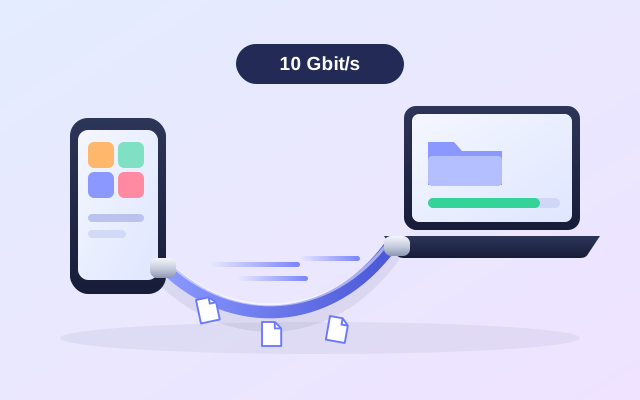
Most charging cables copy at USB 2.0 speed. A cable rated for 10 Gbit/s can finish big copies several times sooner.
Opens Amazon.in in a new tab · affiliate link
A pocket-sized drive, usually far faster than a pendrive: a second copy of your photos, projects and phone backup.
Opens Amazon.in in a new tab · affiliate link
As an Amazon Associate I earn from qualifying purchases. Every link to Amazon.in on this page is an affiliate link: if you buy through it, Fabrixly earns a small commission from Amazon, and the price you pay does not change. Nobody pays us to list a product.
We have not tested these products ourselves. They are well-known brands that are widely sold, and the listing on Amazon.in is the place to check the details. Prices and availability are shown on Amazon.in, not here.