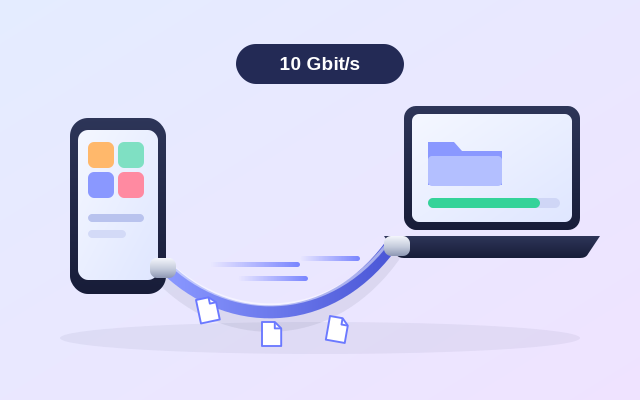

A 10 Gbit/s USB-C cable
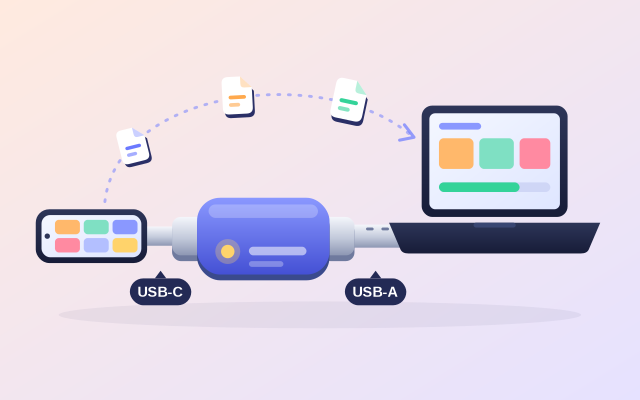
Most charging cables copy at USB 2.0 speed. A cable rated for 10 Gbit/s can finish big copies several times sooner.
Opens Amazon.in in a new tab · affiliate link
ZeroMDroid Gear
When a copy between your phone and your computer is slow, the slow part is usually something small: a cable, a drive, a card, the Wi-Fi. Here are 11 everyday things that fix it, each with an honest word on what to check before you buy.
Most charging cables copy at USB 2.0 speed. A cable rated for 10 Gbit/s can finish big copies several times sooner.
Opens Amazon.in in a new tab · affiliate link
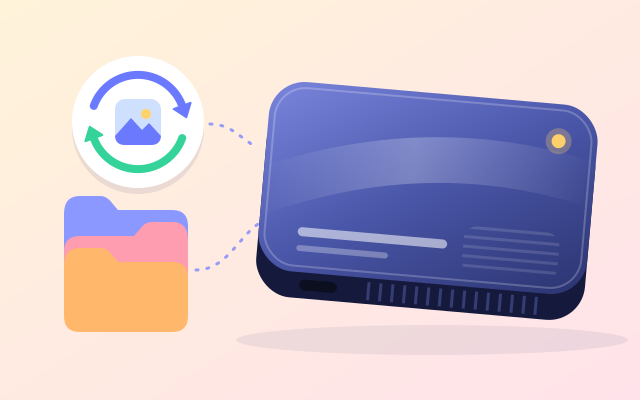
A pocket-sized drive, usually far faster than a pendrive: a second copy of your photos, projects and phone backup.
Opens Amazon.in in a new tab · affiliate link
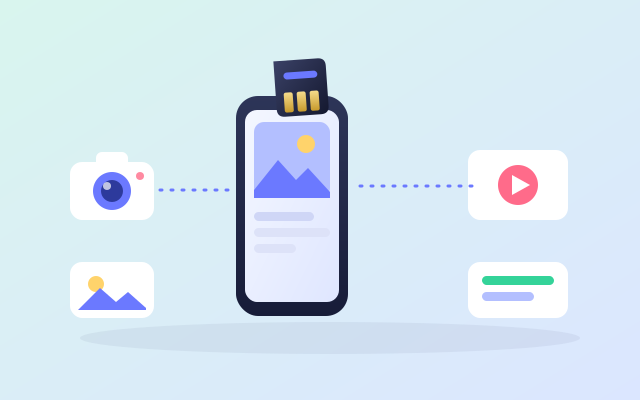
More room for photos and video in a phone, a drone or an action camera, with an adapter for a computer’s SD slot.
Opens Amazon.in in a new tab · affiliate link
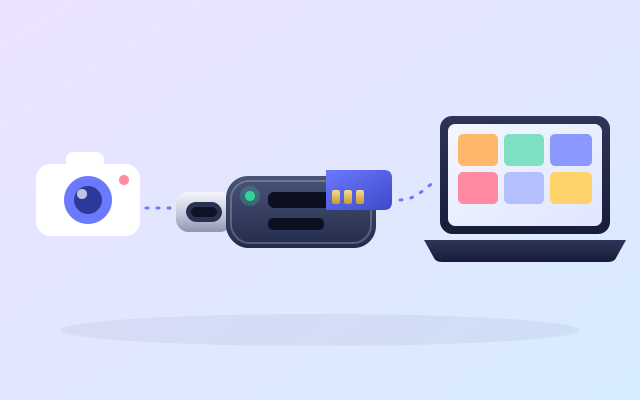
Copy a day of photos from the card to your computer at the card’s own speed, with no phone in the middle.
Opens Amazon.in in a new tab · affiliate link
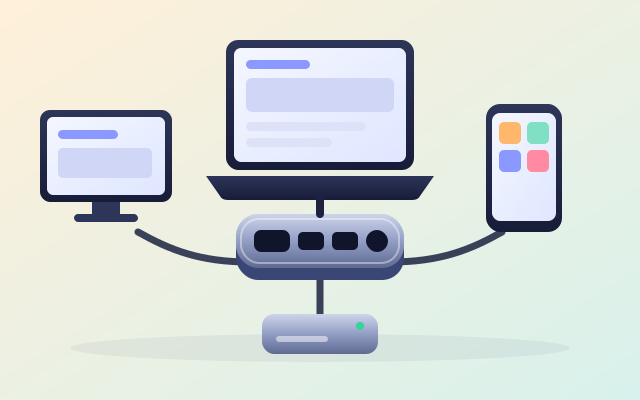
A laptop with one or two ports can hold a phone cable, a drive, a card and a screen at the same time.
Opens Amazon.in in a new tab · affiliate link
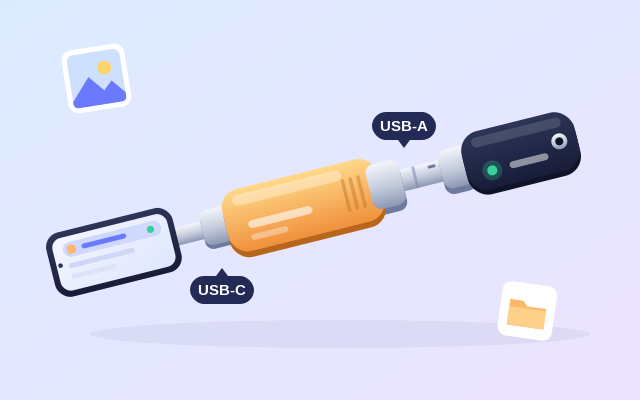
One pendrive with both plugs: put files on from your phone, take them off at any laptop, with no adapter and no cloud.
Opens Amazon.in in a new tab · affiliate link
A tiny adapter that lets a phone use a pendrive, a card reader or a keyboard through its USB-C port.
Opens Amazon.in in a new tab · affiliate link
Lots of room for photo libraries, phone backups and old projects, kept somewhere other than your laptop.
Opens Amazon.in in a new tab · affiliate link
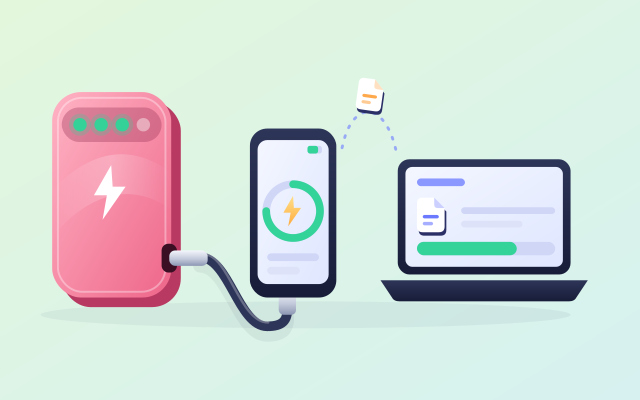
Keeps a phone going through long copies, long days and long trips, so a low battery does not cut a transfer short.
Opens Amazon.in in a new tab · affiliate link
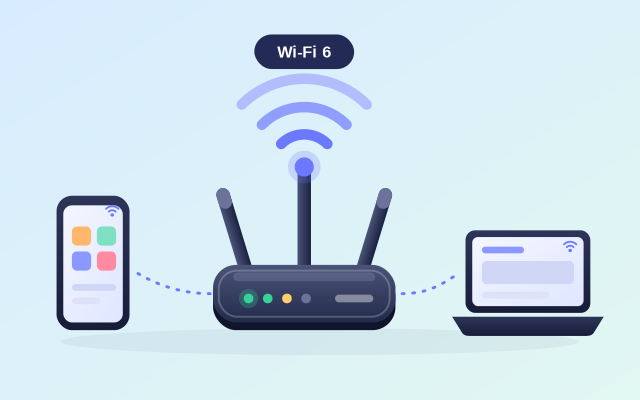
A newer router can give phones and laptops faster, steadier Wi-Fi, so wireless transfers do not crawl.
Opens Amazon.in in a new tab · affiliate link
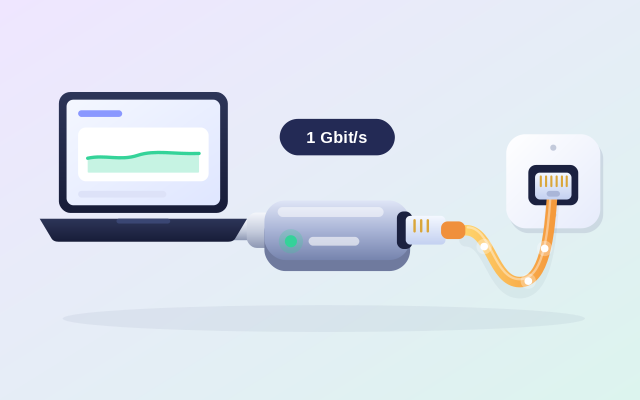
Give a laptop with no network port a wired link to the router: usually steadier than Wi-Fi, and quick for big files.
Opens Amazon.in in a new tab · affiliate link
A copy is only as quick as its slowest link: the cable, the port, the drive or the Wi-Fi. Fix that one, not all of them.
A cable or a hub that says 10 Gbit/s, USB 3.2 or USB4 carries data fast. One that only talks about charging may be USB 2.0 inside.
A fast cable does not help if the phone’s port is USB 2.0, as many phones’ are. Over Wi-Fi, ZeroMDroid is often just as quick.
A portable drive is a good second copy of your photos and projects. It is a second copy, not the only one.
As an Amazon Associate I earn from qualifying purchases. Every link to Amazon.in on this page is an affiliate link: if you buy through it, Fabrixly earns a small commission from Amazon, and the price you pay does not change. Nobody pays us to list a product.
We have not tested these products ourselves. They are well-known brands that are widely sold, and the listing on Amazon.in is the place to check the details. Prices and availability are shown on Amazon.in, not here.